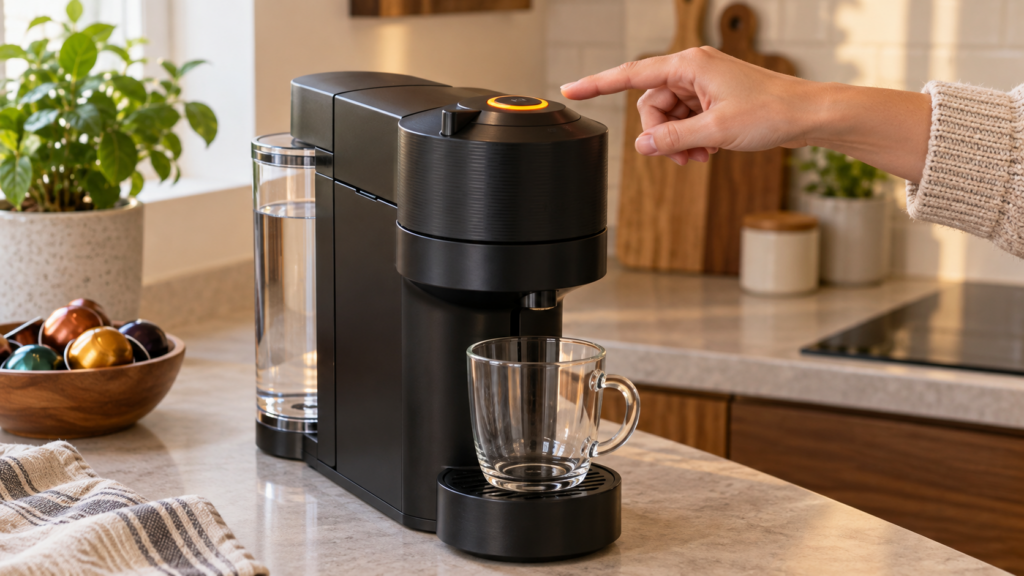
A Nespresso Vertuo Next blinking orange is not one universal fault code. The meaning depends on the rhythm: two flashes per second indicate cleaning, three per second indicate descaling or system emptying, a slow on-off pattern points to an empty tank, and two quick flashes followed by a pause signal an error. Match the pattern before resetting or descaling the machine.
Model check
This guide is for the Nespresso Vertuo Next. Do not use a VertuoPlus red/green-light chart or an Original-line guide—the controls and signals are different. Confirm your machine on our Vertuo Next model page before following a button sequence.
Vertuo Next orange light meanings at a glance
| Light pattern | Meaning | What to do |
|---|---|---|
| Orange, about twice per second | Cleaning cycle is running | Let the cycle finish; stop it only if started accidentally |
| Orange, about three times per second | Descaling or system-emptying mode | Complete the active procedure using the correct sequence |
| Orange fades down, turns off, then returns | Cooling after overheating | Turn the machine off and allow it to cool |
| Two rapid orange flashes, then a long pause | Operating error | Check capsule, head lock, water and the active mode |
| Orange on for about 1.5 seconds, off for 0.5 second | Water tank is empty | Fill and reseat the tank, then press the button |
| Five orange flashes in 10 seconds | Factory reset confirmation | No repair is needed if you intentionally reset it |
| Orange and white alternate three times, then steady | Descaling alert | Plan and complete a full descale soon |
| Steady white | Ready | Normal—insert a capsule and brew |
| White blinking once per second | Coffee preparation | Normal while the machine is brewing |
| White blinking twice per second | Software update | Keep the machine powered and wait |
The timing matters more than the color alone. Watch the button for a full 10 seconds and count complete on-off cycles. Reflections, bright room lighting and a rapidly changing orange-and-white warning can make the signal look like a single color.
Start with this 60-second diagnosis
- Stop pressing the button repeatedly. Extra presses can start cleaning, cancel brewing or move the machine deeper into a special mode.
- Observe the rhythm. Count flashes for 10 seconds and note whether the light alternates orange and white.
- Check the basics. Fill the water tank, seat it fully, empty the used-capsule container and make sure the head can close and lock without force.
- Open the head safely. Eject the old capsule and inspect the capsule area for a crushed pod, loose foil or coffee residue. Never reach into moving parts while the machine is connected to power.
- Match the signal below. Use the section for your exact flash pattern rather than trying every reset sequence.
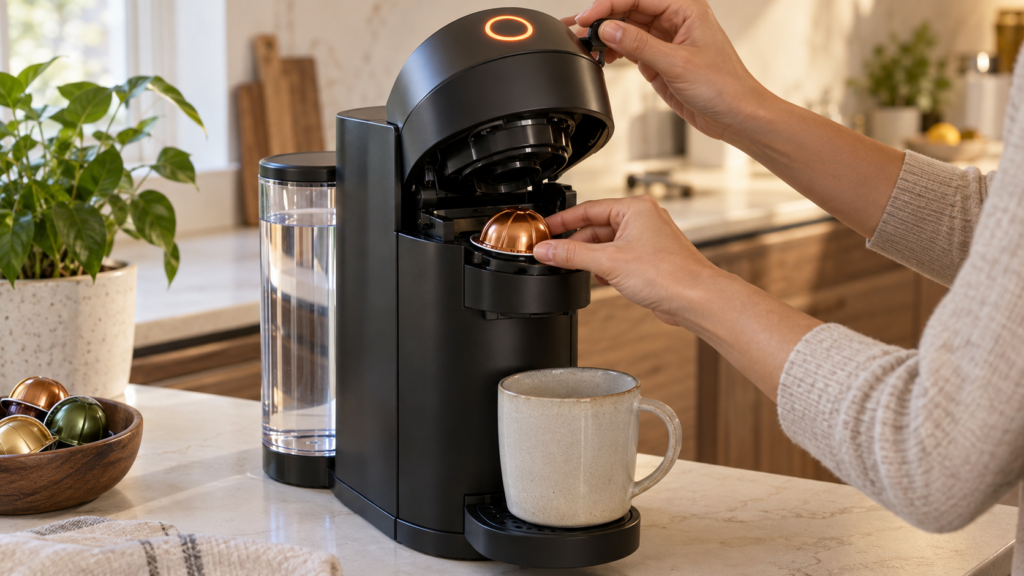
Two quick orange blinks followed by a pause
Two rapid flashes followed by a longer dark interval are the Vertuo Next’s general operating-error pattern. The machine is telling you that a required condition was not met; it does not automatically mean the pump or control board has failed.
If it happens while brewing
- Unlock and open the head.
- Remove the capsule and check that it is a fresh, undamaged Vertuo capsule sitting flat in the holder.
- Check the capsule rim and surrounding area for grounds, torn foil or another obstruction. Wipe accessible surfaces with a soft, damp, lint-free cloth.
- Fill and firmly reseat the water tank.
- Close the head and turn the lever fully to the locked position.
- Press the button once and wait; the barcode-reading and pre-wetting stages can delay visible coffee flow.
If it happens during cleaning, descaling or emptying
Remove any capsule and confirm that the head is fully closed and locked. A capsule left in the chamber or an incompletely locked lever can prevent a maintenance program from starting. During descaling, follow the entire wash-and-rinse sequence; do not substitute a brew command.
If the error remains, unplug the machine for 10 seconds, reconnect it, close and lock the head, then press once to power it on and once more to retry the intended operation. Contact Nespresso if the same pattern returns after these checks.
Orange light twice per second: cleaning mode
A fast orange blink at roughly two flashes per second indicates the automatic cleaning/rinsing cycle. This is normal if you pressed the button three times within two seconds. Water should flow from the outlet into a container.
- If water flows normally, let the cleaning cycle finish.
- If you started it by mistake, press the button once to stop.
- If no water flows, check the tank level and seating, then inspect for the two-blink error pattern.
- If coffee grounds remain in the cup, Nespresso’s manual recommends performing the cleaning procedure twice.
Cleaning removes coffee residue from the brewing path. It is not the same as descaling, which dissolves mineral buildup inside the water circuit.
Orange light three times per second: descaling or emptying
An extremely rapid orange flash—about three times per second—means that descaling or system emptying is active. Expect water flow and changing pauses as the program progresses. Do not insert a capsule.
Do not unplug the Vertuo Next to “escape” descaling. The official instructions state that descaling cannot be interrupted. If power is removed, the machine returns to descaling and the wash and rinse stages must be repeated.
Use Nespresso descaling liquid, the specified water quantity and a container large enough for the full cycle. A partial rinse can leave descaler in the circuit and keep the machine in maintenance mode.
Orange and white blink three times: descale warning
Three alternating orange-and-white flashes followed by a steady light are a maintenance alert: the machine needs descaling. It may still brew a limited number of times after the warning first appears, but delaying the procedure can lead to restricted flow, lower temperature and a locked maintenance state.
- Do not confuse the alert with three orange flashes per second; the latter means a special program is already running.
- Set aside about 20 minutes and complete both the descale and fresh-water rinse stages.
- Do not use a cleaning capsule as a substitute for liquid descaler.
Long orange blink with a short pause: empty water tank
If the button stays orange for roughly 1.5 seconds and switches off for about 0.5 second, fill the reservoir. Then remove and reinstall the tank so its outlet valve sits correctly on the machine connection.
- Rinse the tank and fill it with fresh drinking water.
- Press the tank down into its normal position without forcing it.
- Verify that the head is closed and locked.
- Press the button once to retry.
If the tank is full but this signal continues, inspect the tank valve and machine-side connection for visible scale or debris. Do not insert tools into the valve or dismantle the base.
Pulsing orange that fades: machine is cooling
A downward orange pulse—gradually fading off and returning—means the Vertuo Next is cooling after overheating. This can happen after repeated brewing or maintenance cycles.
- Press and hold the button for three seconds to turn the machine off.
- Leave it in a ventilated area away from direct heat.
- Wait approximately 20 minutes before turning it on again.
- If the warning returns after one normal brew from a fully cooled machine, stop using it and contact Nespresso support.
Five orange flashes in 10 seconds
Five orange flashes over 10 seconds confirm a factory reset. If you intentionally ran the reset sequence, the blinking is expected and no repair is needed. A reset clears programmed settings; it does not remove scale, unblock the water path or repair a mechanical fault.
What not to do
- Do not run repeated factory resets without first identifying the flash pattern.
- Do not force the lever when the head will not lock; inspect the capsule and container instead.
- Do not place fingers or tools near the capsule-piercing and spinning components.
- Do not use vinegar or improvised chemicals unless Nespresso explicitly approves them for your regional model.
- Do not confuse a cleaning cycle with a descale cycle.
- Do not keep brewing through recurring leaks, burning smells, tripped breakers or abnormal mechanical noise.
When to contact Nespresso
Stop troubleshooting and arrange support when two rapid blinks followed by a pause continue after the capsule, tank and lock checks; when the machine repeatedly overheats from a cold start; when water leaks into the base; or when the button remains unresponsive despite a known-good outlet.
Have the machine serial number, purchase date and a short video of the complete light pattern ready. Recording 10 seconds of the button is usually more useful than describing it only as “blinking orange.” Do not open the powered base: it contains mains-voltage, hot-water and moving components.
Frequently asked questions
Why is my Nespresso Vertuo Next blinking orange twice?
Two fast orange blinks followed by a long pause indicate an operating error. Check for a fresh, correctly seated capsule, a full tank and a fully locked head. During cleaning or descaling, remove the capsule and confirm the head is locked.
Does an orange light always mean the Vertuo Next needs descaling?
No. Descaling has two recognizable signals: very rapid orange flashing while the program runs, or three alternating orange-and-white flashes followed by a steady light as the maintenance alert. Other orange rhythms mean cleaning, cooling, an empty tank, a reset or an error.
Can I stop the Vertuo Next descaling cycle by unplugging it?
No. The official manual says the descaling program cannot be interrupted. If power is disconnected, the machine returns to descaling and requires the descale and rinse cycles again.
Why is the orange light blinking while water comes out?
If water flows normally, the machine is probably performing cleaning, descaling or system emptying. About two flashes per second correspond to cleaning; about three per second correspond to descaling or emptying.
Official references and verification
Last verified: September 13, 2026. Button behavior can vary after firmware revisions and between regional variants. If your machine’s official manual differs, follow the manual supplied for its exact model number.
For related model-specific help, visit the Nespresso troubleshooting hub or browse all CoffeeFixGuide repair guides.