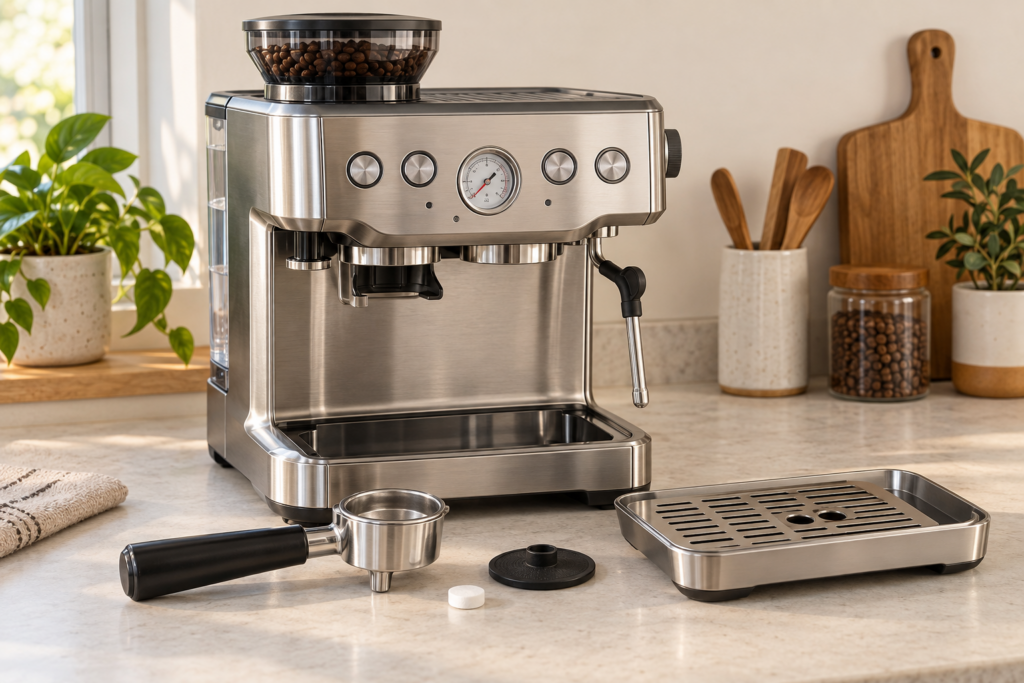
If the CLEAN / DESCALE light on a Breville Barista Express is flashing, the machine is asking for a cleaning cycle—not a descale. The cycle backflushes coffee oils from the brew path and takes about five minutes. You need the supplied cleaning disc, the 1 CUP filter basket, and one espresso-machine cleaning tablet.
Read the light before you start
Flashing light
Run the cleaning cycle with a cleaning tablet and cleaning disc.
Solid light
The machine needs descaling. Follow the separate Barista Express descaling procedure.
No light
Do routine cleaning only. Do not run extra tablet cycles without a reason.
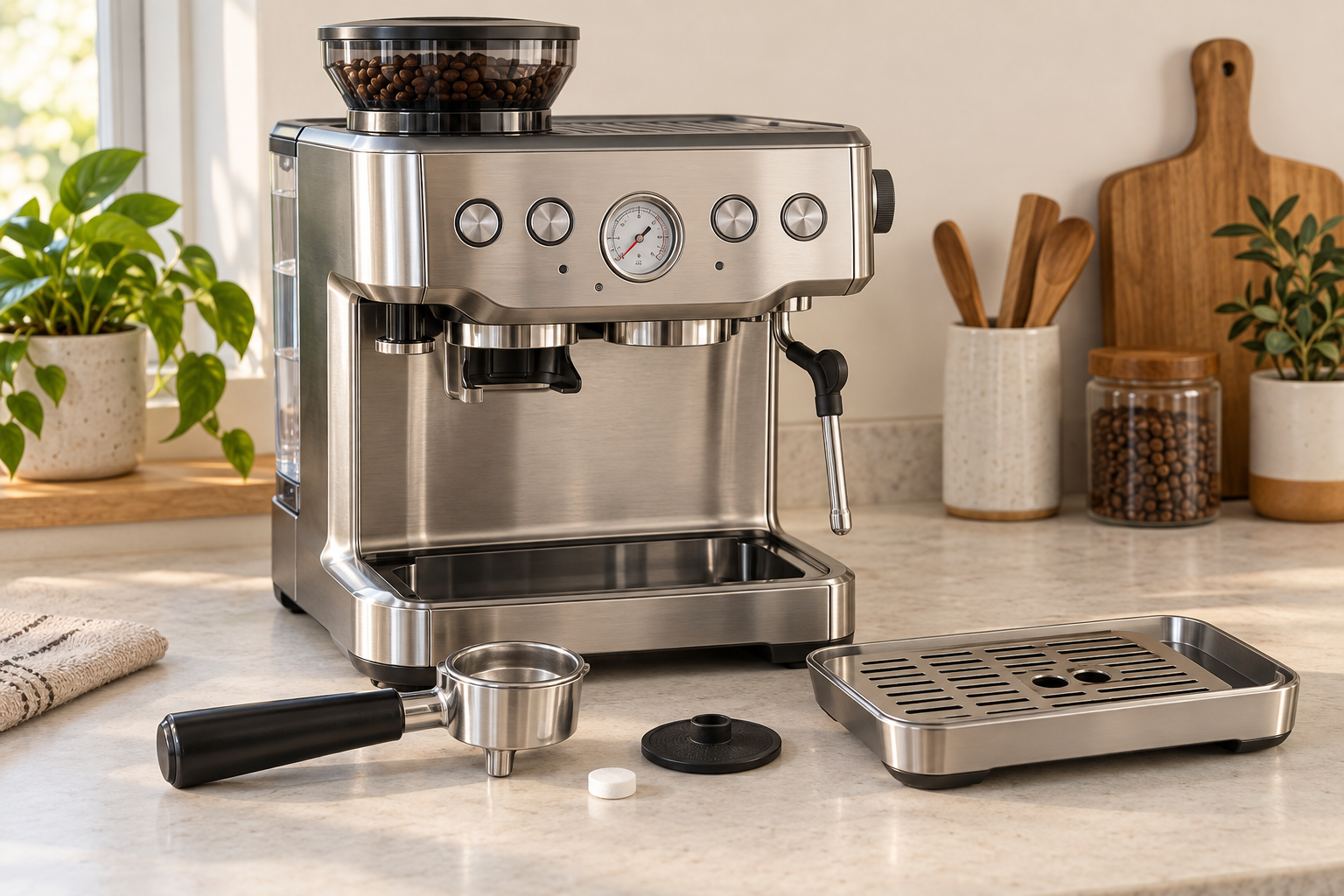
What you need
- The 1 CUP single-wall filter basket
- The silicone cleaning disc supplied with the machine
- One espresso-machine cleaning tablet
- A large empty container for the portafilter spouts
- A full tank of fresh, cold water
- An empty drip tray
A cleaning tablet removes coffee oils. Descaling powder or liquid removes mineral deposits. They are not interchangeable, and vinegar is not part of Breville’s cleaning-cycle instructions.
How to run the cleaning cycle
These steps follow Breville’s current U.S. instruction manual for the Barista Express BES870. Check the model number on the label under or behind your machine before using the button timing below.
- Fit the basket. Place the 1 CUP filter basket in the portafilter.
- Add the cleaning disc. Seat the supplied silicone disc inside the basket. Make sure it lies flat.
- Add one tablet. Put a single cleaning tablet on top of the disc. Do not add ground coffee.
- Lock in the portafilter. Insert it into the group head and turn it to the locked position. Place a large container below the spouts.
- Prepare the machine. Fill the water tank with cold water and empty the drip tray. Refit both parts correctly.
- Switch the machine off. Press POWER and wait for the machine to turn off.
- Start the cycle. Press the 1 CUP and 2 CUP buttons together, then press POWER while continuing to hold all three buttons. On the U.S. BES870, hold them for approximately 10 seconds.
- Let the program finish. The cleaning cycle runs for roughly five minutes. Water may flow intermittently from the portafilter spouts. The U.S. manual says the machine gives three beeps when the cycle is complete.
- Check the tablet. Remove the portafilter only after the program ends. If the tablet has not completely dissolved, repeat the cleaning cycle.
- Rinse the removable parts. Remove the cleaning disc and rinse the disc, basket and portafilter with fresh water before making coffee.
Regional button timing can differ
Some Barista Express manuals sold in other regions instruct owners to hold the same three buttons for three seconds rather than approximately 10 seconds. Follow the instruction book for the model number and market printed on your machine. Do not use instructions for the Barista Express Impress, which is a different model.
Cleaning cycle versus descaling
| Signal or symptom | Correct procedure | Product used |
|---|---|---|
| CLEAN / DESCALE light flashing | Cleaning or backflush cycle | Cleaning tablet and cleaning disc |
| CLEAN / DESCALE light solid | Descaling cycle | Approved descaling solution |
| Oily residue or stale coffee flavor | Clean the group head, basket and portafilter; run the prompted cycle | Cleaning tablet when prompted |
| Reduced water flow linked to mineral buildup | Descale using the model-specific sequence | Descaling solution |
The cleaning cycle removes coffee residue from the brew path. Descaling targets minerals inside the water system. Running one procedure does not substitute for the other.
If the cleaning cycle will not start
The machine begins heating normally
The button combination was not registered. Turn the machine off again. Hold 1 CUP and 2 CUP first, add POWER, and keep all three depressed for the timing specified in your manual.
The CLEAN / DESCALE light stays flashing
Confirm that the full five-minute cycle ended and inspect the tablet. If part of it remains, refit the portafilter and repeat the cycle. If the tablet dissolved and the light remains after a completed cycle, switch the machine off, allow it to cool, restart it, and check the model-specific Breville support instructions before repeating the process again.
The tablet is still almost intact
Check that the cleaning disc is seated correctly and that the tank is full. Repeat the cycle once. If water is not moving or the pump sounds abnormal, stop repeated attempts and diagnose the water-flow problem first.
Water collects in the drip tray
Some water returning to the drip tray during backflushing is expected. Empty the tray before the cycle so you can distinguish normal discharge from an overflow or an unrelated leak.
Routine cleaning between tablet cycles
- Purge and wipe the steam wand immediately after steaming milk.
- Rinse the basket and portafilter after use; do not leave a spent puck in the machine.
- Run a brief water flush through the group head after removing the portafilter.
- Wipe loose grounds from the group-head rim with a suitable brush.
- Empty and wash the drip tray regularly, then dry the contacts and surrounding area before refitting it.
When to stop
Stop the cleaning attempt if the machine smells burnt, trips a circuit, leaks near the power cord, makes a harsh pump noise without moving water, or remains pressurized after the cycle. Do not remove panels or test live electrical parts. Let the machine cool and contact Breville support or a qualified espresso-machine technician.
Official references
- Breville BES870 Barista Express instruction manual
- Breville: How to perform a cleaning cycle
- Original illustration created for CoffeeFixGuide.
Last verified against Breville’s U.S. BES870 documentation: September 12, 2026.