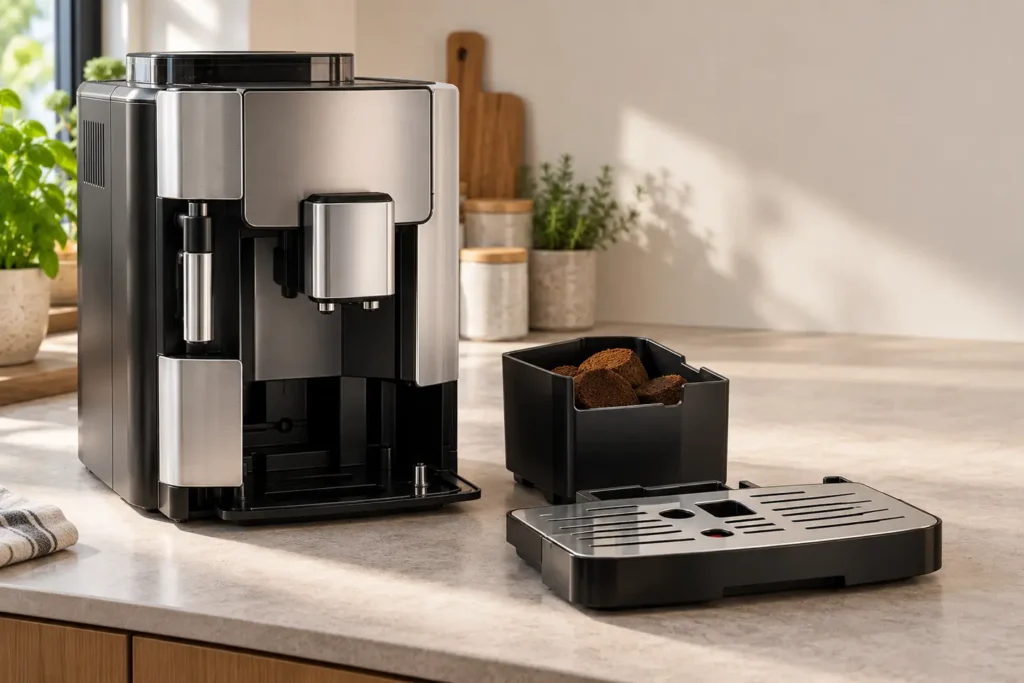
Quick answer: If your De’Longhi Magnifica Evo asks you to empty the grounds container even though it looks nearly empty, remove the drip tray and empty the container while the machine is switched on. Clean out the loose grounds, put the container back into the tray and slide the assembly fully home. De’Longhi says the emptying request can be scheduled by coffee count or time, and an emptying done while the machine is off may not be recorded. If the message says insert rather than empty, check how the bin and tray are seated before considering a part fault.
This is for the Magnifica Evo ECAM29X family. Match the actual icon or wording to the manual for your complete model number; panel layouts and indications differ by variant. Do not assume every lit grounds symbol means the bin is full.
Identify which warning you have
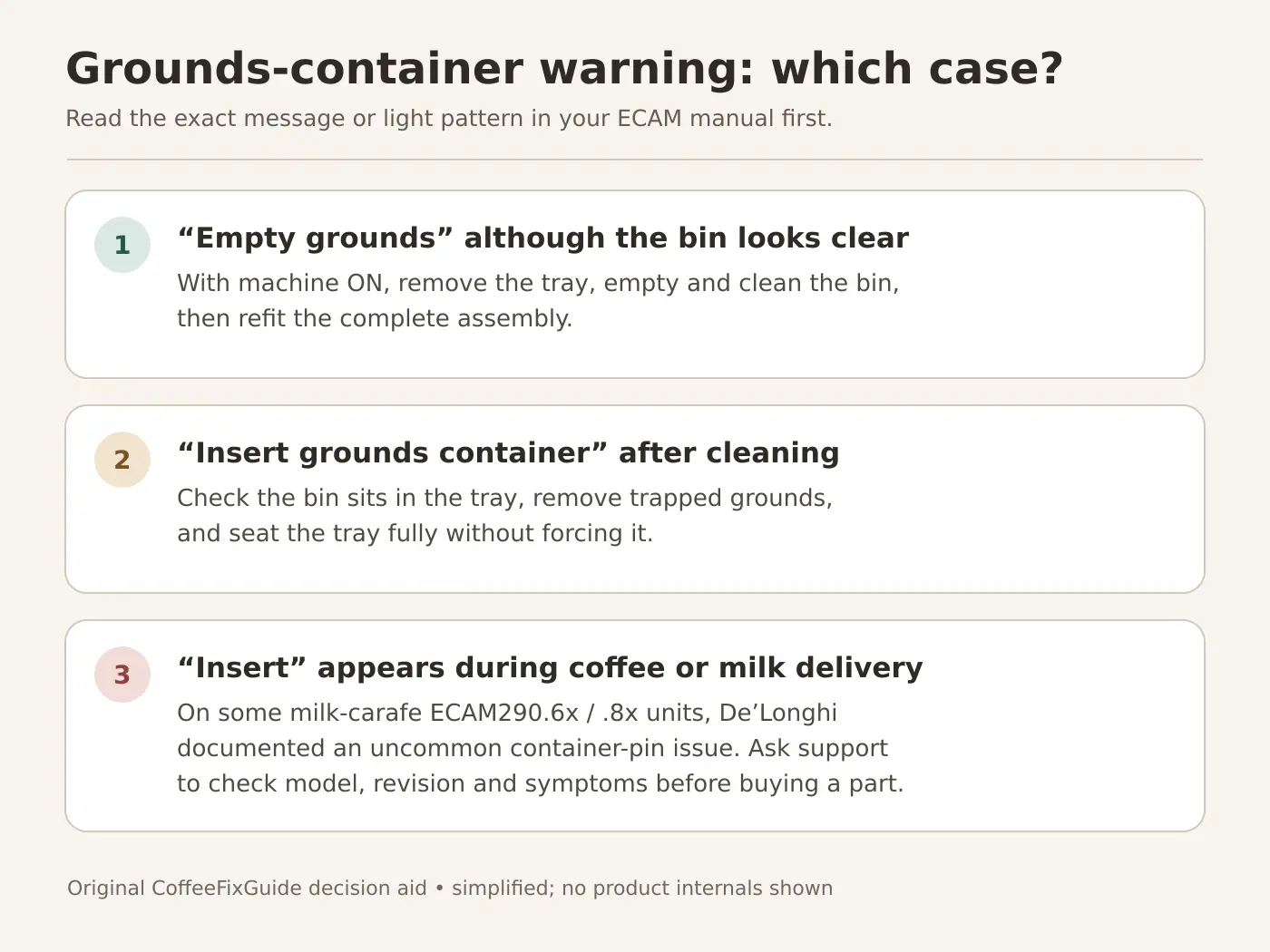
| What you observe | Likely next action |
|---|---|
| “Empty grounds” even though there are few pucks | Perform the emptying with the machine on. This is a scheduled request, not a direct measurement of how high the pucks are piled. |
| Warning remains immediately after emptying while the machine was off | Turn the machine on, allow it to finish starting, then remove, empty and reinstall the tray and bin again. |
| “Insert grounds container” after you cleaned it | Inspect the removable bin and drip tray for misalignment or trapped grounds; reinstall without forcing. |
| “Insert” appears unexpectedly during coffee or milk delivery | Record the exact model and symptom. A De’Longhi service bulletin describes a limited issue on certain milk-carafe variants; contact support. |
Empty the container so the machine registers it
Tools: no repair tools. You need a waste bin, a soft cloth and, if necessary, mild dish soap and water for the removable pieces. Expect about five minutes plus drying time. Keep fingers away from hot outlets and let a drink cycle finish first.
- Leave the machine powered on and wait until it is ready, with no drink running. Do not unplug it for the routine grounds-emptying operation.
- Pull the drip tray out level. Lift out the grounds container and discard all pucks and loose coffee, even if there are only one or two. Empty the drip tray as well.
- Wipe away grounds from the bin lip, tray recess and accessible mating surfaces. Clean the removable parts according to your exact user manual. Dry any contact areas before reassembly; do not pour water into the machine’s tray cavity.
- Return the bin to its intended position in the drip tray and insert the complete assembly straight and fully. Stop if it binds; remove it and check for a misplaced piece or a mound of grounds instead of pushing harder.
- Observe whether the warning clears. If it does, make one normal coffee only if otherwise safe and note whether the reminder returns after ordinary use or immediately during delivery. Those are different clues.
De’Longhi’s general grounds-container FAQ says the request is issued after a set number of coffees or after 72 hours. It specifically instructs users to empty the container with the machine on; an emptying while off is not recognized. The request can therefore be legitimate even when the bin does not appear full. Do not reset or ignore the reminder merely because you see few pucks.
If “insert grounds container” stays on
This points toward detection or seating, not necessarily a full bin. Remove the tray again. Confirm the grounds bin is actually present in the tray, sits flat, and has no protruding coffee debris along its edge. Check that the tray’s removable components are assembled as shown in your model manual and that the whole unit goes in fully. If the tray will not insert, do not force it; the infuser may not have parked after an interrupted shutdown. Let the machine complete a normal shutdown and startup only if it is safe to do so.
Visually inspect the accessible plastic bin for cracks or a damaged projection, but do not reach inside to manipulate a sensor, insert a substitute object to defeat a switch, or open the housing. If the correct, intact bin and tray remain undetected, ask De’Longhi support or a qualified service provider to verify the exact model and part.
A special case: the “insert” alert appears during a drink
De’Longhi issued a technical bulletin for ECAM290.6x and ECAM290.8x machines equipped with a milk carafe. It describes a limited number of abnormal “INSERT GROUNDS CONTAINER” alarms while coffee or milk is being delivered. The bulletin attributes that particular symptom to unstable engagement of the container’s switch by its plastic pin and documents an improved container introduced in production in November 2021.
Do not apply that bulletin to every empty-grounds light or every Evo variant. De’Longhi itself recommends replacement only when the abnormal insert alarm occurs. If you have this precise symptom, photograph the alert, note when it interrupts the drink, and provide the full ECAM model and serial details to support. Ask them to check the compatible part and revision. The bulletin lists service stock part numbers for its covered models, but matching an individual machine still needs verification. A home repair of the switch or internal wiring is outside these checks.
When to stop and request service
- The tray cannot be inserted normally or the mechanism sounds strained; do not force removable parts.
- A visibly damaged bin is not detected after correct installation.
- The “insert” warning returns during delivery on a covered milk-carafe model, despite correct seating.
- There is water around the mains connection, a burning smell, a persistent general alarm or other electrical concern. Switch off and disconnect power only when safe, and arrange service.
If the issue is a broader group of icons rather than the grounds warning alone, use our Magnifica Evo warning lights guide. If water escapes outside the tray, consult the leak-location guide. A descale prompt follows its own sequence in the Magnifica Evo descaling guide.
Frequently asked questions
Why does the empty-grounds light come on after only a few coffees?
De’Longhi says the request is based on a programmed coffee count or time interval, including a 72-hour interval. The visual height of the pucks is not the deciding test. Empty it with the machine on.
I emptied it with the power off. Do I need to fill the bin again?
No. With the machine on and idle, remove the tray, empty any remaining grounds, clean and reinstall the bin and tray. That gives the machine a chance to register the procedure.
Should I buy a new grounds container?
Not for an ordinary scheduled empty reminder. First distinguish “empty” from “insert” and check seating. If an insert alarm appears during delivery on a covered milk-carafe ECAM290.6x or .8x model, show De’Longhi support the exact symptom and model before ordering a part.
Manufacturer references
- De’Longhi FAQ: grounds-container light with a bin that is not full — timing and powered-on emptying.
- De’Longhi Technical Bulletin TBDL_21032_A — narrow milk-carafe model symptom, pin update and replacement guidance.
- De’Longhi Magnifica Evo support — identify the correct model and its error-light help.
Manufacturer references checked September 27, 2026. The cover shows a generic appliance. The original decision graphic summarizes the external checks and is not a wiring or parts diagram.