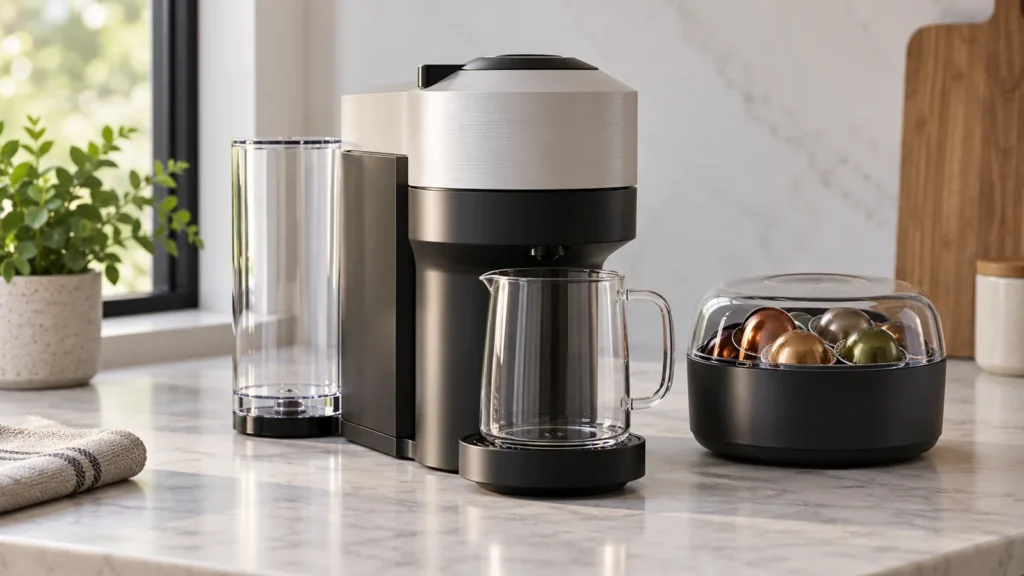
Cover image: conceptual capsule-machine scene, not an exact Vertuo Next control or head reference. Follow the Nespresso sequence below.
Quick answer: Before long storage, frost exposure or repair, run the Vertuo Next emptying mode. While the machine is plugged in, empty and reinstall the tank, eject the used capsule, empty the waste parts, remove the cup support and place a 0.5 L or larger vessel beneath the outlet. Open and close the head, then lock it. Unplug the machine; hold the brew button while plugging it back in, release as the orange light blinks quickly, and let the roughly 30-second cycle finish. Keep clear of possible hot water or steam.
When to use this cycle
Emptying the system is a storage or transport procedure. It is not the descaling cycle and does not solve an existing pump fault. If your machine already cannot move water, diagnose it with the no-water guide before assuming the emptying cycle completed.
Prepare safely
Place the machine on a dry surface with access to its plug and a container under the coffee outlet. Allow it to cool if it has just brewed. The power connection is part of this model’s specific procedure; hold the machine steady and keep fingers dry and away from the outlet.
Empty the Vertuo Next for storage
Empty and reinstall the tank. Eject the capsule; empty and reinstall the bin and drip tray. Remove the cup support. Put a 0.5 L or larger vessel below the outlet.
Open and close the head, then turn the lever to LOCKED.
Keep the catch vessel in place and hands dry.
Hold the brew button while plugging in; release as the orange light blinks quickly. Wait about 30 seconds for automatic shutdown.
Run the emptying program
- With the machine plugged in, empty the water tank, open the head to eject any used capsule, and empty the capsule container and drip tray. Return these parts to position. Remove the cup support and place a vessel of at least 0.5 L beneath the outlet.
- Still plugged in, open and close the machine head and turn the lever to LOCKED.
- Unplug the machine. With dry hands, press and hold the brew button while plugging the power cord back in.
- Release the button as the emptying procedure begins and the light blinks orange quickly. Keep clear of the outlet; a little hot water or steam may escape.
- Allow roughly 30 seconds for the machine to finish and turn itself off. Empty and dry the removable waste parts before storage.
After storage
Before making coffee again, use Nespresso’s “first use or after a long period of non-use” procedure for your version of the Vertuo Next. If the light shows a fault instead of the expected emptying sequence, record its pattern using our blinking-orange guide; do not repeat button sequences at random.
FAQ
Can I just empty the tank?
That leaves water in the internal path. Nespresso provides a separate emptying mode for storage and transport.
Should I unplug it mid-cycle?
No. Let the short program finish and switch off.
Source: Nespresso Vertuo Next user manual, “Emptying the system,” pages 26–27.