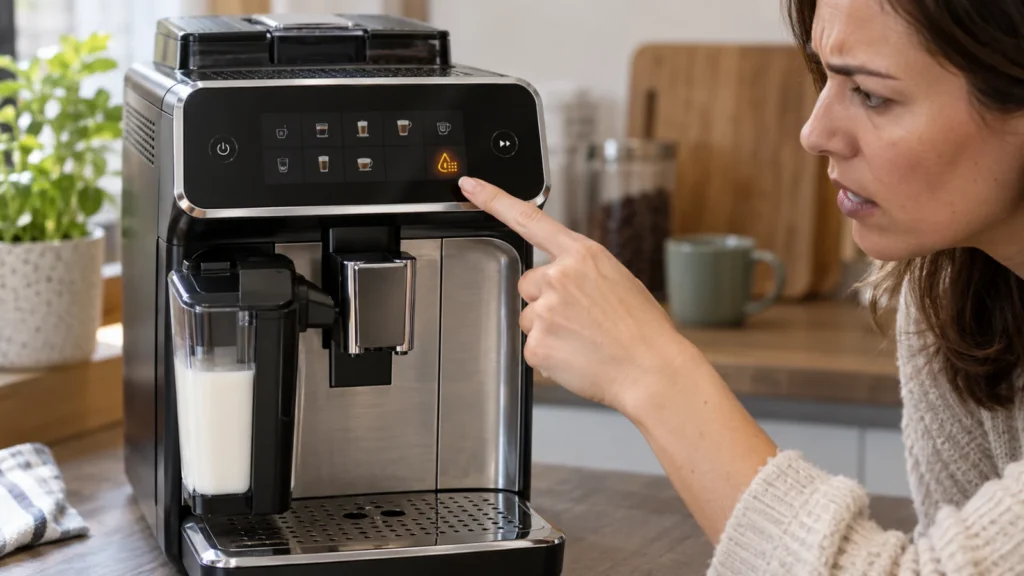
If the Calc/Clean light on your Philips 3200 stays on or continues flashing after descaling, the machine usually has not registered a complete descaling and rinse sequence. Switching the machine off, unplugging it or removing the water tank does not normally reset this maintenance warning.
The correct solution depends on the light pattern and the stage where the cycle stopped. In many cases, the machine is simply waiting for fresh water or for the Start/Stop button to begin the final rinse.
Quick answer: Rinse the water tank, fill it with fresh water to the Calc/Clean mark, empty the collection container, place it back under both outlets and press Start/Stop. Let the machine stop dispensing by itself. If the full descaling phase was never completed, run the complete 30-minute procedure instead of trying to reset the warning.
What the Philips 3200 Calc/Clean light means
The Calc/Clean indicator is a maintenance warning. A slowly flashing light normally means the machine is due for descaling. If it continues flashing after you started the procedure, it may indicate that the cycle is still active or incomplete.
| Light pattern | Likely meaning | What to do |
|---|---|---|
| Calc/Clean light flashes slowly during normal use | The machine requires descaling | Run the complete descaling procedure |
| Calc/Clean light flashes during dispensing and pauses | The descaling phase is operating normally | Wait; pauses are part of the cycle |
| Water-tank light appears during descaling | The solution phase has finished | Rinse and refill the tank with fresh water |
| Start/Stop light pulses after refilling | The machine is waiting to begin the rinse | Press Start/Stop once |
| Calc/Clean light remains after switching the machine off | The procedure was not registered as complete | Resume or repeat the complete cycle |
| AquaClean light flashes after descaling | The machine is requesting a new water filter | Install and activate a prepared AquaClean filter |
| All warning lights flash together | This is not only a descaling reminder | Check the tank, brew group and coffee funnel |
Why the Calc/Clean light will not turn off
1. The fresh-water rinse was never started
The first phase uses descaling solution. When that phase ends, the machine indicates that the water tank is empty. The tank must then be rinsed, filled with fresh water to the Calc/Clean mark and reinstalled.
After refilling, press the Start/Stop button to begin the second phase. Refilling the tank alone does not complete the procedure.
2. The rinse cycle was interrupted
Disconnecting power, removing the tank too early or pressing the power button can interrupt the cycle. When the machine restarts, it may still require descaling because it never reached the automatic completion point.
3. The machine was switched off during a normal pause
The Philips 3200 dispenses descaling solution in intervals. Periods with no visible water flow are normal and allow the solution to work inside the water circuit.
If the machine is switched off during one of these pauses, the cycle remains incomplete.
4. The water tank was not filled to the correct level
The rinse requires enough fresh water to flush the internal circuit. If the tank runs empty before the machine finishes, refill it and allow the procedure to continue.
5. The tank is not fully seated
A full water tank will not help if its outlet does not connect correctly to the machine. Remove the tank, check for debris behind it and slide it firmly back into position.
6. The wrong button sequence was used
To begin the complete procedure, hold the Calc/Clean icon for approximately three seconds and then press Start/Stop. During the transition to the rinse phase, press Start/Stop again after installing the tank of fresh water.
7. Only a manual rinse was performed
Dispensing several cups of hot water can remove residual solution, but it does not necessarily reset the Calc/Clean maintenance counter. The machine must complete its programmed descaling sequence.
How to turn off the Philips 3200 Calc/Clean light
Step 1: Determine whether the cycle already started
Look at what happened immediately before the light remained on:
- If you have not added descaling solution, begin the complete procedure.
- If the machine already dispensed the solution and now requests water, continue with the fresh-water rinse.
- If the procedure was interrupted by power loss, rinse the machine thoroughly and repeat the full cycle as soon as possible.
Step 2: Rinse the water tank
Remove the tank and discard any remaining descaling mixture. Rinse the tank thoroughly with fresh water so no concentrated solution remains.
Do not reinstall the AquaClean filter during the active rinse unless the instructions for your exact variant specifically direct you to do so.
Step 3: Fill to the Calc/Clean indication
Fill the clean tank with fresh water up to the Calc/Clean level. Reinstall it firmly.
Make sure the service door, drip tray and coffee grounds container are all properly installed. An incorrectly seated component can prevent the machine from continuing.
Step 4: Empty the collection container
Carefully empty the container used for descaling. Rinse it and place it back beneath both the coffee dispensing spout and the hot-water outlet.
The container should hold at least 1.5 liters. Do not use a small coffee cup for this stage.
Step 5: Press Start/Stop
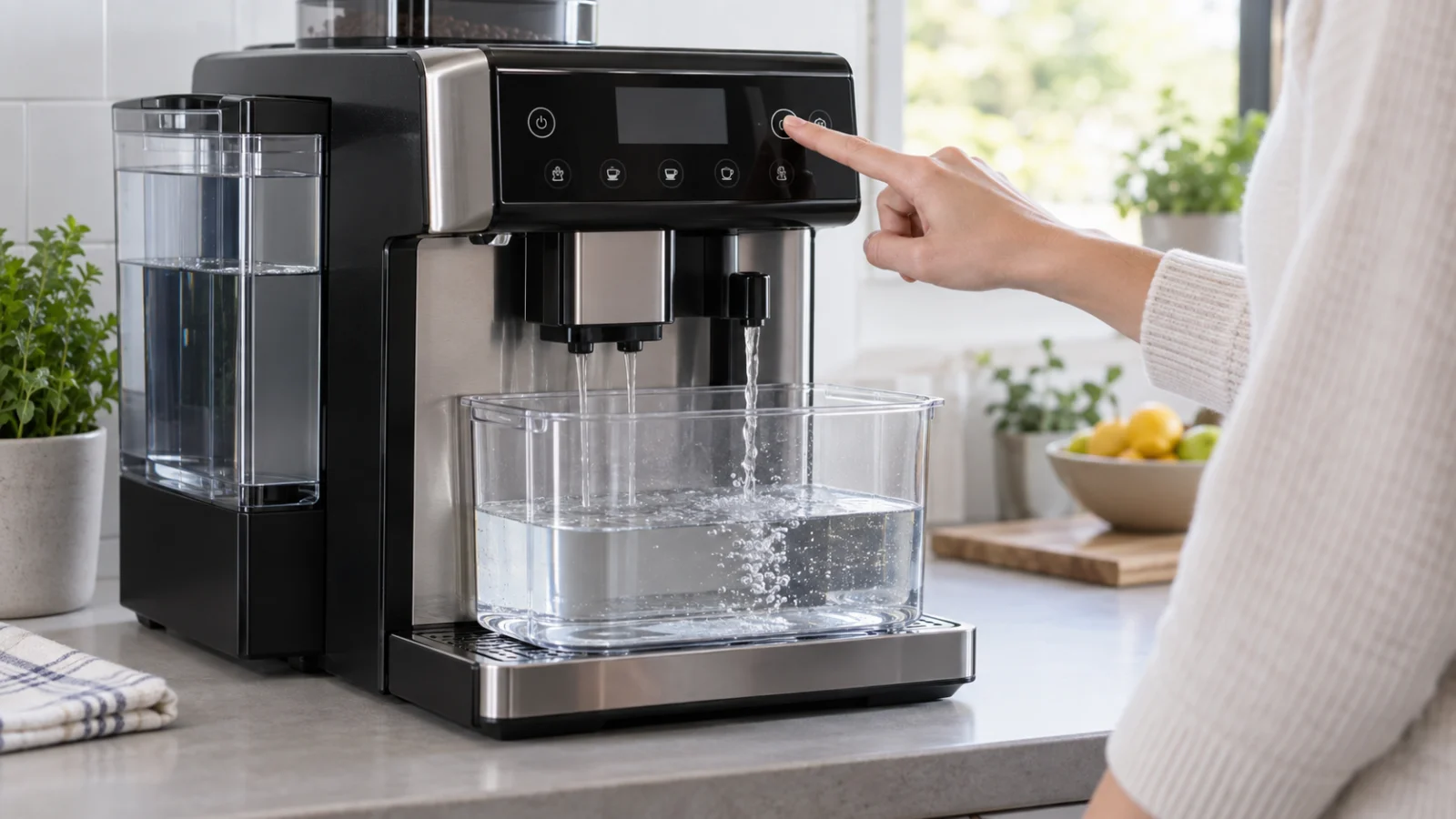
Press the Start/Stop button once. The machine should begin dispensing fresh water through its outlets.
During the rinse, lights on the control panel may switch on and off. This is normal and indicates that the procedure remains active.
Step 6: Let the machine stop automatically
Do not press the power button when the water flow pauses. Wait until the machine stops dispensing by itself and begins heating again.
The procedure is finished when the drink icons remain continuously illuminated and the machine returns to normal drink selection.
Can you manually reset the Calc/Clean light?
The Philips 3200 does not use a separate user-accessible reset button for bypassing descaling. The warning is cleared when the programmed procedure reaches its expected completion point.
The following actions do not replace a completed cycle:
- unplugging the machine;
- holding the power button;
- removing and reinstalling the water tank;
- running only one tank of hot water;
- resetting drink settings;
- restoring factory beverage settings;
- installing a new AquaClean filter without descaling.
A factory reset changes drink preferences but does not remove scale or safely bypass required maintenance.
If the Calc/Clean light appeared before descaling started
If the light began flashing during normal operation and no descaling solution has entered the machine, run the complete procedure:
- Keep the machine switched on.
- Remove LatteGo or the milk frother.
- Empty and reinstall the drip tray and coffee grounds container.
- Remove the water tank and AquaClean filter.
- Pour in the approved descaling solution.
- Add water to the Calc/Clean indication.
- Place a 1.5-liter container under both outlets.
- Hold Calc/Clean for three seconds.
- Press Start/Stop.
- Complete the fresh-water rinse when requested.
See our complete Philips 3200 LatteGo descaling instructions for the full preparation and safety sequence.
If the cycle was interrupted
According to the Philips manual, an interrupted descaling procedure requires additional rinsing:
- Empty and rinse the water tank thoroughly.
- Fill it with fresh water to the Calc/Clean indication.
- Switch the machine on.
- Allow the automatic startup rinse to finish.
- Dispense approximately half a tank of hot water.
- Run two pre-ground coffee cycles without adding ground coffee.
- Perform a complete descaling procedure again as soon as possible.
Do not make normal coffee until the descaling solution has been thoroughly flushed from the machine.
Calc/Clean light versus AquaClean light
The two indicators refer to related but different maintenance tasks.
| Indicator | Meaning | Correct response |
|---|---|---|
| Calc/Clean | Mineral-scale removal is required or incomplete | Complete the programmed descaling cycle |
| AquaClean | The water filter requires installation, activation or replacement | Prepare and activate the appropriate filter |
An AquaClean filter can reduce how often descaling is required, but installing a new filter after the Calc/Clean warning appears does not automatically cancel an existing descaling request.
What if the light remains after a complete cycle?
If you are certain that both phases finished automatically, perform these checks:
- Wait until the machine finishes heating and all drink lights remain steady.
- Switch it off using the power button.
- Wait until all internal sounds stop.
- Disconnect power for approximately one minute.
- Reconnect and start the machine normally.
- Check whether the Calc/Clean light begins flashing again.
If the warning immediately returns, consider whether the procedure was started through the Calc/Clean controls or whether only manual hot-water rinsing was performed.
When a correctly completed programmed cycle is not recognized, contact Philips support. A control-panel, sensor or electronic fault cannot be repaired by adding more descaling solution repeatedly.
Do not repeat descaling unnecessarily
Running another complete cycle is appropriate when the previous procedure was interrupted or never entered the programmed mode. It should not be repeated multiple times solely because an unrelated warning light remains on.
Stop and arrange service if:
- the machine cannot pump fresh water;
- water leaks from inside the casing;
- all warning indicators flash together;
- the pump becomes unusually loud and no water flows;
- the controls do not respond after a normal restart;
- the Calc/Clean indicator returns immediately after multiple verified complete cycles.
How to prevent the warning from returning early
- Set the correct water-hardness level.
- Prepare and activate AquaClean filters correctly.
- Replace the filter when requested.
- Do not interrupt the programmed descaling sequence.
- Use an approved descaling product in the correct amount.
- Fill the tank to the specified Calc/Clean level for both phases.
- Allow the machine to stop each stage automatically.
For additional symptoms such as weak flow, no coffee or multiple flashing indicators, use the Philips 3200 LatteGo troubleshooting guide.
Frequently asked questions
Why is the Philips 3200 Calc/Clean light still on after descaling?
The most common reason is that the fresh-water rinse was not started or did not finish automatically. Fill the rinsed tank with fresh water to the Calc/Clean mark and press Start/Stop.
How do I reset the descale light on a Philips 3200?
There is no separate reset procedure that safely replaces descaling. Complete the programmed Calc/Clean sequence, including its final fresh-water rinse.
Why does the machine pause during descaling?
Pauses are normal. They give the descaling solution time to work inside the water circuit. Do not switch the machine off during these intervals.
Should I press Start/Stop after refilling the tank?
Yes. After rinsing and refilling the tank with fresh water, reinstall it and press Start/Stop to begin the rinse phase.
Can I install an AquaClean filter while the Calc/Clean light is flashing?
Complete the required descaling process first. Afterward, prepare, install and activate a new AquaClean filter as directed for your model.
Will unplugging the Philips 3200 clear the light?
No. Unplugging may restart the controls, but it does not tell the maintenance counter that a complete descaling cycle has finished.
Can I use vinegar to repeat the descaling cycle?
No. Philips warns against vinegar and descalers based on acetic acid because they may damage the water circuit and may not dissolve scale correctly.
Official Philips information
The official Philips 3200 manual states that a slowly flashing Calc/Clean light requires descaling. The programmed procedure includes a descaling stage and a fresh-water rinse, and the machine must stop dispensing automatically before the cycle is considered finished.
Check the instructions for your exact EP32xx model on the official Philips 3200 support page.
Last verified: September 19, 2026. CoffeeFixGuide is an independent troubleshooting resource and is not affiliated with Philips.