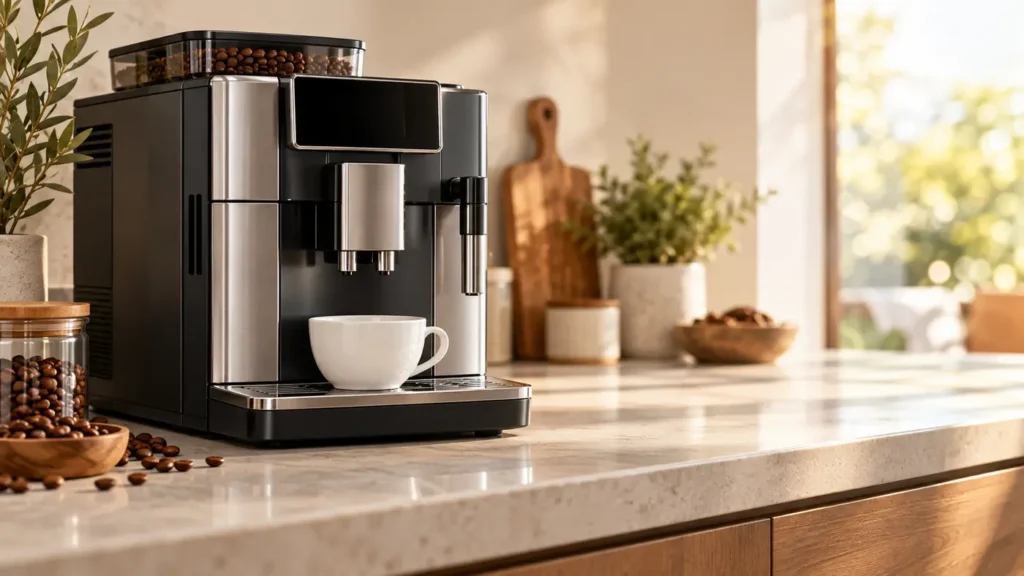
When a De’Longhi Magnifica Evo makes noise but leaves the cup empty, watch what happens before touching the grinder or starting a descale cycle. Does one coffee outlet stay dry? Does coffee arrive a drop at a time? Can the machine dispense hot water? Those three observations point to different parts of the machine.
Start here: Check the panel for a warning, fill and seat the water tank, then run hot water using the instructions for your exact ECAM model. If hot water works, look at the coffee outlets and brew path. If it does not, deal with the water supply or the displayed warning first. Do not put your fingers in the grinder or force the removable infuser.
This guide covers the Magnifica Evo ECAM29X family, including variants with a removable hot-water spout and variants with a steam/hot-water dial. Control layouts and start-up steps differ; find the complete ECAM code on the label or in your manual before following a panel-specific procedure.
Find the symptom before choosing a fix
| What you see | Most useful next check |
|---|---|
| One coffee spout is dry; the other still delivers coffee. | Clean the outside openings of the coffee nozzles. |
| Both spouts produce only slow drops, but hot water works. | Check the coffee outlets and whether the grind is too fine. |
| Hot water also fails or the water-tank light is on. | Seat the tank, read the exact warning and follow the model’s water-circuit instructions. |
| Water appears in the cup, but it is very weak. | Check the pre-ground funnel and the removable infuser. |
| The machine never starts a drink and keeps showing an alarm. | Identify the warning light before cleaning or changing settings. |
If an icon is lit, use our Magnifica Evo warning-lights guide to identify it. De’Longhi has different panel diagrams for ECAM29X.2Y/.3Y and ECAM29X.6Y/.8Y models.
If the grinder is silent on a bean drink or suddenly becomes unusually loud without grinding, follow the Magnifica Evo grinder diagnostic before changing the coffee or water path.
1. If one or both coffee spouts are blocked, clean the nozzles
One side dispensing normally while the other side stays dry is a good reason to inspect the two coffee outlets first. De’Longhi’s Magnifica Evo support page lists blocked coffee nozzles as a cause of coffee failing to leave one or both spouts.
- Finish the cycle. Switch the machine off with its power button and allow the outlets to cool.
- Look at each outlet from below. Wipe dried coffee from the exterior and nozzle tips with a soft, slightly damp cloth.
- If a visible crust remains directly at an opening, De’Longhi permits carefully lifting it with a toothpick. Work only at the accessible tip: do not push a tool deep into the spout or lever against the plastic.
- Wipe away loosened residue, restart the machine and test one coffee. Check whether the flow from both outlets is now similar.
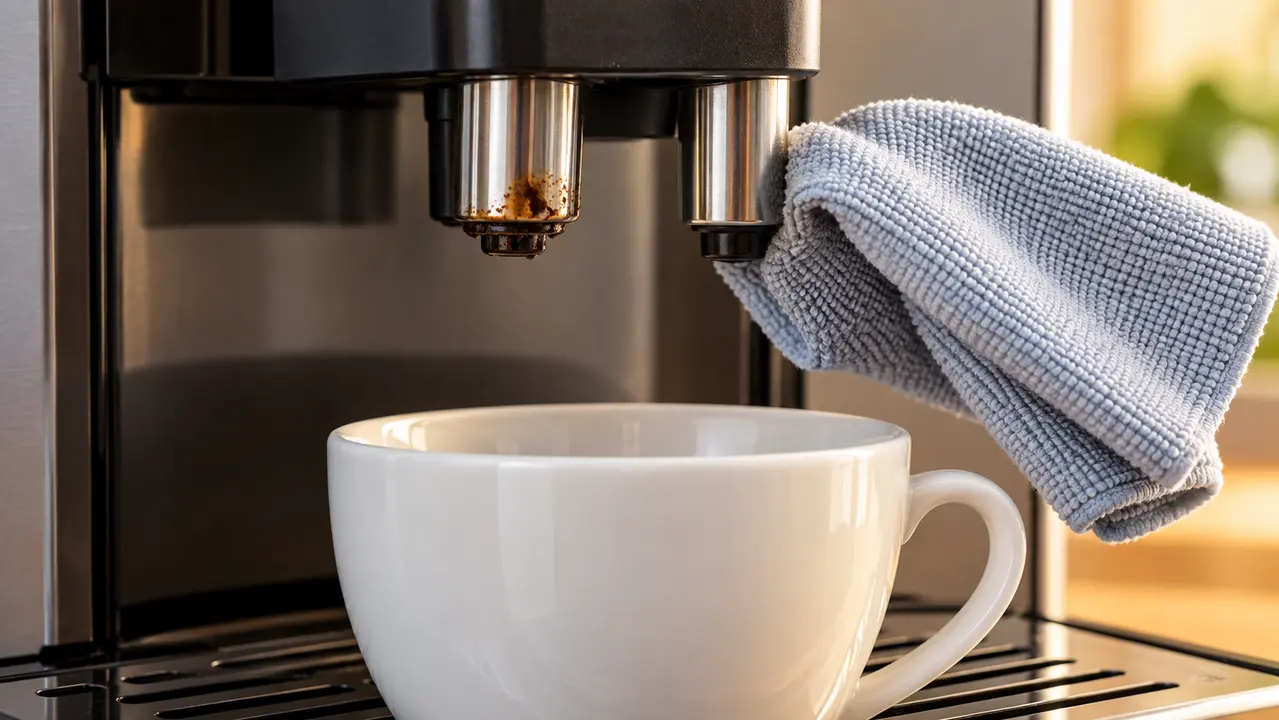
If both spouts remain dry while hot water dispenses normally, continue with the coffee-only checks below. A clean outlet cannot correct a fault earlier in the brew path.
2. If coffee only drips, check the grind setting
A grinder setting that is too fine can make extraction extremely slow. De’Longhi recommends adjusting the grind on affected Magnifica Evo models only while the mill is running, during the initial grinding phase of a coffee preparation. Move a single step toward a coarser grind according to the diagram for your machine. The change may not show in the first cup; assess the flow after at least two coffees.
Avoid turning the dial several positions at once, especially while the grinder is still. If hot water is also very slow, the issue may be in the water circuit rather than the coffee grind. Consult the panel warning and the Magnifica Evo descaling instructions if the machine asks for descaling; do not treat descaling as a universal reset.
3. If the cup fills with weak water, check the coffee path
Weak, almost clear coffee calls for a different check from a dry cup. De’Longhi specifically identifies a blocked pre-ground coffee funnel as one cause of watery coffee in the ECAM29X.6Y/.8Y EX:2 family.
- Switch off normally, wait for movement to stop and disconnect power before working in the accessible compartment.
- Open the pre-ground coffee compartment and look for dry, compacted grounds. Gently clear visible material with a dry cleaning brush. Keep water out of the bean hopper and the funnel.
- After a complete shutdown, remove the infuser only if it releases normally. Rinse it with water as the manual for your exact ECAM model instructs, allow excess water to drain and reinstall it securely.
- Close the service door, reinstall the tray and grounds container, then test a bean-coffee drink and inspect the used coffee puck.
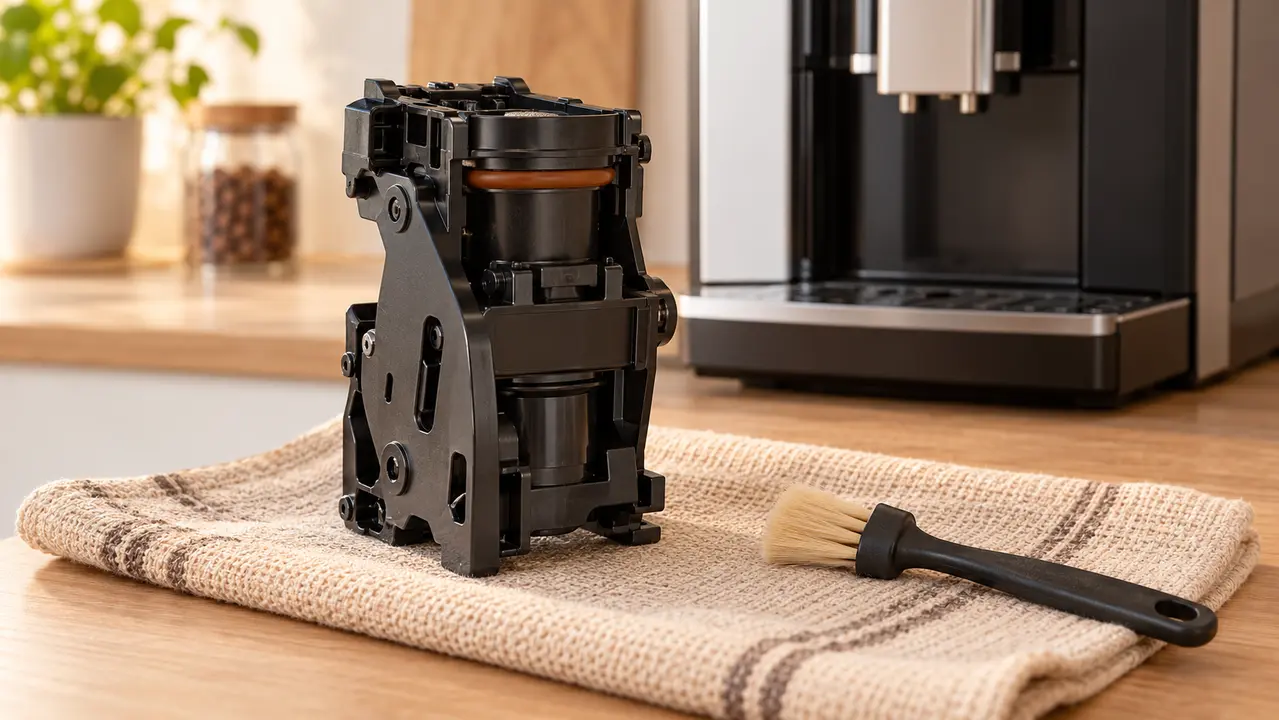
If the infuser does not release easily, follow our Magnifica Evo brew group stuck guide. Pulling hard on the red release tabs can damage the mechanism.
4. If hot water does not flow either
A blocked coffee outlet does not explain a failed hot-water test. Fill and push the tank fully into place; remove any obvious obstruction where the tank seats. Check the exact light pattern before selecting a hot-water function. On some variants the hot-water spout must be fitted; on others the function uses a dial. Follow the manual for the code on your own machine.
If the machine is completing an automatic cleaning, start-up or warning sequence, let it finish. De’Longhi’s support entry for a machine that will not make coffee says to wait until it becomes ready, then select the drink again; persistent failure belongs with customer support. Stop attempting cycles if the pump becomes unusually loud without drawing water, water leaks from inside the casing, or an alarm returns immediately.
When to get service instead of trying another fix
- Hot water and coffee both fail after the tank and model-specific warning have been checked.
- The grinder makes sharp cracking sounds or the machine trips power.
- Water emerges from inside the housing or reaches a power connection. Use the Magnifica Evo leak-location guide for external checks; do not keep using a wet machine.
- The infuser is stuck despite a complete normal startup and shutdown.
- The machine repeatedly refuses to start a drink after it indicates it is ready.
Do not open the outer housing to inspect a live pump, heater or electrical connection. Note the full ECAM model code, the warning pattern and the result of the hot-water test before contacting De’Longhi support; those details help narrow down the fault.
Frequently asked questions
Why does coffee come out of only one spout?
One blocked nozzle is a likely first check. Clean the accessible tip, then compare both outlets on the next drink. De’Longhi lists nozzle deposits as a cause of unequal or absent outlet flow.
Should I descale when no coffee comes out?
Descale when the machine calls for it or when a gradual water-flow restriction points to scale, using the correct model procedure. A descale cycle cannot remove dried coffee from a nozzle or a dry blockage in the pre-ground funnel.
Can I remove the Magnifica Evo infuser while the machine is on?
No. Complete the shutdown using the front power button first. If the infuser is still locked, use the dedicated stuck-infuser guide instead of applying force.