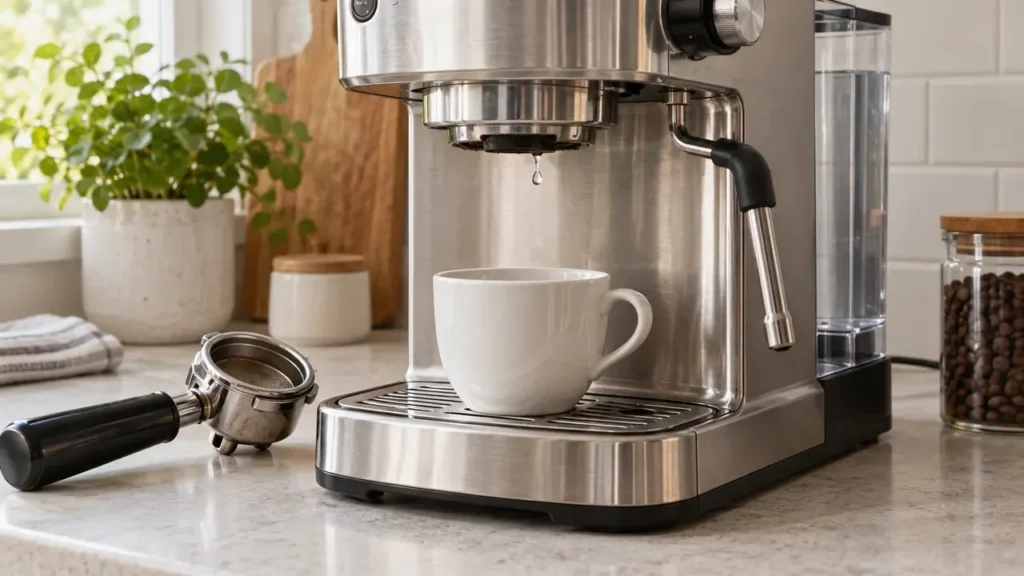
Breville Barista Express not dispensing water? Once brewing has stopped, remove the portafilter and briefly test the bare group head. If it flows normally, investigate the coffee puck and basket next. If it does not, check the tank and the machine’s separate hot-water outlet before assuming the pump has failed.
Two-minute isolation test
- Turn the steam selector to STANDBY and wait until the POWER light stops flashing.
- Fill the water tank and push it completely into position.
- After brewing stops and pressure has released, remove the portafilter. Put a cup under the group head and press 1 CUP briefly.
- If water flows, troubleshoot grind, dose and basket blockage.
- If no water flows, place a container under the dedicated hot-water outlet and test HOT WATER briefly; return the dial to STANDBY afterwards.
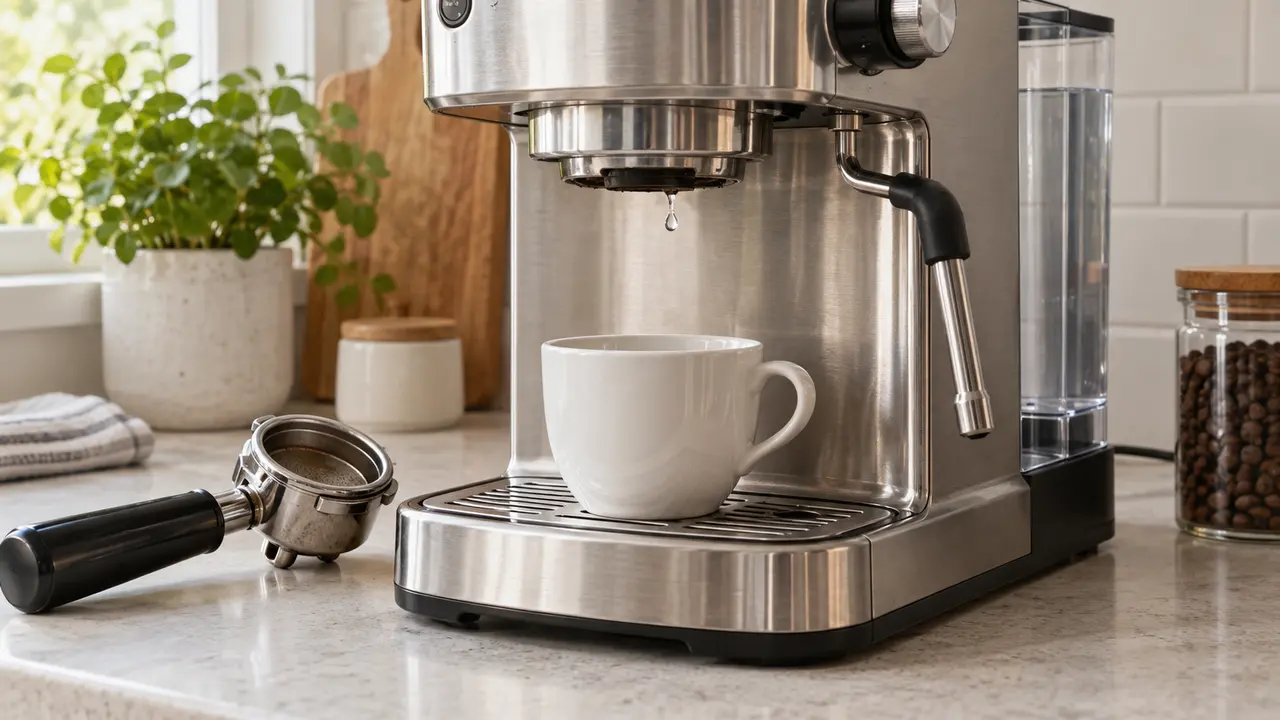
Identify exactly where water has stopped
This guide covers the Breville Barista Express BES870/BES870XL. “No water coming out” can describe several different faults. Test each outlet separately instead of repeatedly pressing the brew button.
| Result | What it means | Go to |
|---|---|---|
| Water flows with no portafilter, but not through coffee | The bare group can pass water; the puck or basket may be too restrictive | Coarser grind, lower dose, clean basket |
| No group-head water, but hot-water outlet works | Investigate the group-head path; this result alone does not diagnose an internal part | Clean group head; service if unresolved |
| No group water and no hot water | Recheck the tank and warm-up; scale or an internal flow fault may need service | Tank and maintenance checks |
| Only a few drops from portafilter | Over-extraction or a blocked basket is possible | Coarser grind and basket inspection |
| Pump becomes very loud with no flow | Machine may not be drawing water | Stop, reseat tank and avoid running dry |
| Water flows but gauge remains at zero | Pressure and flow are different tests | Pressure-gauge diagnostic |
Safe checks in the correct order
1. Return the selector to STANDBY
If the STEAM/HOT WATER dial is not in STANDBY when the machine starts, normal heat-up can be interrupted. Return the dial fully to STANDBY. The machine is ready for brewing when the POWER light stops flashing and the control-panel lights illuminate.
2. Refill and firmly seat the tank
Remove the tank, fill it with fresh cold water up to the MAX line, reinstall it and press it down completely. Breville lists an empty tank and a tank that is not fully inserted as causes of no group-head water. Do not use distilled or demineralized water if your regional manual advises against it, and never operate with an empty tank.
3. Test the group head without coffee
Place a cup under the group head, leave the portafilter out and press 1 CUP for a short flush. Breville describes a group-head flush without ground coffee. If water flows here but stops with the portafilter installed, check the basket and puck before ordering pump parts. This test proves flow at the group; it does not measure pressure under load.
4. Test the hot-water outlet
Place a heat-safe cup under the machine’s dedicated hot-water outlet, beside the group head. Turn the STEAM/HOT WATER dial to HOT WATER for a short check, then return it to STANDBY. Do not use the steam wand as the hot-water outlet. Water here but none at the group suggests the paths differ; it does not identify a failed valve. No flow from either outlet calls for tank, warm-up and maintenance checks.
If water flows without the portafilter
This result rules out a total water-supply failure. The shot is likely choking because water cannot pass through the prepared coffee or filter basket.
Make the grind slightly coarser
Coffee that looks powdery and feels like flour can stop normal flow even under pressure. Move the grind control slightly coarser, purge a small amount from the grinder and repeat with the same dose. Change only one variable at a time; our grinder-settings guide explains the adjustment sequence.
Reduce an excessive dose
An overfilled basket leaves too little headspace and can press the puck against the shower screen. Use the dose range for your basket and manual revision rather than treating one weight as universal. Tamp level, then use the supplied Razor tool to check headspace if appropriate.
Clean the filter basket
Remove the basket and hold it toward a light. Use the pin on the supplied cleaning tool to clear blocked holes. Breville says a stubborn basket can be soaked for approximately 20 minutes in hot water with a dissolved cleaning tablet and then rinsed thoroughly. Do not enlarge the holes with improvised metal tools.
Do not solve it by tamping harder
A very fine grind, high dose and excessive tamp can combine to stop the shot. If espresso only drips, move coarser or reduce the dose before changing anything else. For the opposite symptom—a fast watery shot and low pressure—use the low-pressure guide.
If no water flows from the bare group head
Let an overheated machine cool
If the machine stopped after repeated brewing, steaming or grinding, switch it off and unplug it. Breville’s troubleshooting section says the thermal cut-out may activate when the pump or grinder overheats and recommends cooling for about 30–60 minutes. Refill the tank before testing again.
Descale a gradually weakening water path
Scale is one of Breville’s listed causes when neither the group head nor hot-water outlet supplies water. If some water still circulates and descaling is due, follow the BES870 descaling guide exactly. If the machine cannot move any water, stop rather than repeatedly starting a descale cycle; seek Breville service advice. Do not confuse descaling with the cleaning-tablet cycle, which targets coffee oils.
Listen, but do not keep running the pump
A normal pump makes a pulsing sound. A suddenly harsh or unusually loud sound with no outlet flow is a reason to stop the check; sound alone cannot diagnose the pump or an airlock. Stop the test, verify the tank again and avoid long dry runs. Silence despite illuminated buttons, or repeated shutdown, is a reason to arrange service.
Is the missing water going into the drip tray?
A small amount of water entering the drip tray just after espresso, hot-water or steam use can be the Barista Express’s normal automatic purge. If water continuously collects under the housing, appears around electrical parts, or both outlets stay dry while the tray fills unexpectedly, stop operating the machine and request a service diagnosis. Record which outlet you tested, whether the pump sounded normal and when water appeared.
When professional service is needed
- The tank is full and seated, but neither the group head nor hot-water outlet produces water.
- A prescribed descale cycle cannot complete because the machine cannot move water.
- Water leaks under the case rather than into the removable drip tray.
- The pump is silent, repeatedly overheats or sounds markedly different.
- The machine trips a breaker, smells hot or shows signs of electrical damage.
Unplug the machine if there is internal leakage, burning odor or electrical behavior. Do not open the case to prime hoses, bypass valves or apply mains power to the pump. Breville directs maintenance beyond routine cleaning to Consumer Support.
Frequently asked questions
Why does water come out without the portafilter but not with coffee?
The machine is producing flow, but the puck is too restrictive. A grind that is too fine, too much coffee, excessive tamping or a blocked basket are the main causes listed by Breville.
Can an empty water tank cause an airlock?
Running dry can interrupt water delivery. Refill and fully seat the tank, allow the machine to cool if it has been running, and use only short outlet tests. If it still cannot draw water, stop rather than operating the pump continuously and contact support.
Will a cleaning tablet restore water flow?
A tablet can help a basket blocked by coffee oils, but it does not remove mineral scale throughout the water circuit. Use the correct cleaning cycle for oils and the prescribed descaling process for mineral buildup.
Why does my Barista Express only drip?
If bare group-head flow is normal, check whether the grind is too fine, the basket is overfilled, the tamp is excessive or the holes are blocked. Correct those variables before suspecting the pump.
Official references
- Breville Barista Express BES870XL instruction manual — water-flow troubleshooting, tank seating, extraction and cleaning.
- Breville Barista Express product page — current product information.
Information checked against Breville’s U.S. documentation on September 27, 2026. Regional versions and accessories may differ.