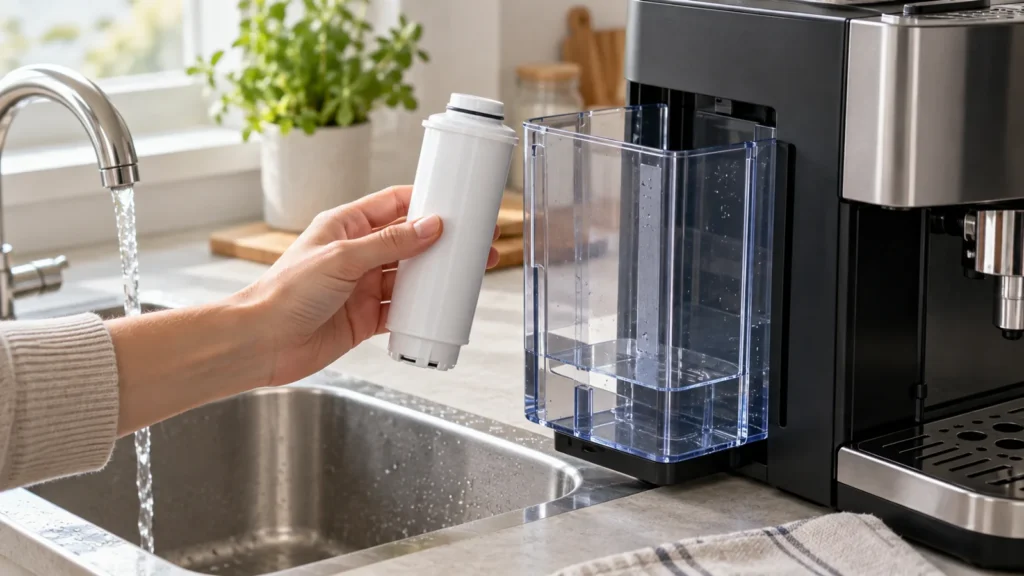
Cover image: conceptual equipment illustration, not an exact cartridge, connector, or model reference. Match replacement parts to your exact model manual.
Quick answer: On the Magnifica Evo ECAM29x.2Y/.3Y/.4Y family, change the optional water softener filter when its indicator lights, about two months after activation, or after three weeks of non-use. Prime the new filter under running water, expel air in the tank, seat it fully, and register the replacement in the machine’s settings menu. The button sequence varies with the ECAM revision, so use your exact model’s settings diagram.
Why priming matters
An unprimed cartridge can hold air, producing poor flow just after replacement. The filter is not a cure for a blocked brew circuit, and the descaling program remains a separate maintenance task. Check the product code beneath the machine before buying a cartridge.
What you need
- A compatible De’Longhi water softener filter for your ECAM variant
- Fresh drinking water and a container of at least 0.5 L beneath the hot-water spout
- Your model’s instructions for entering its settings menu
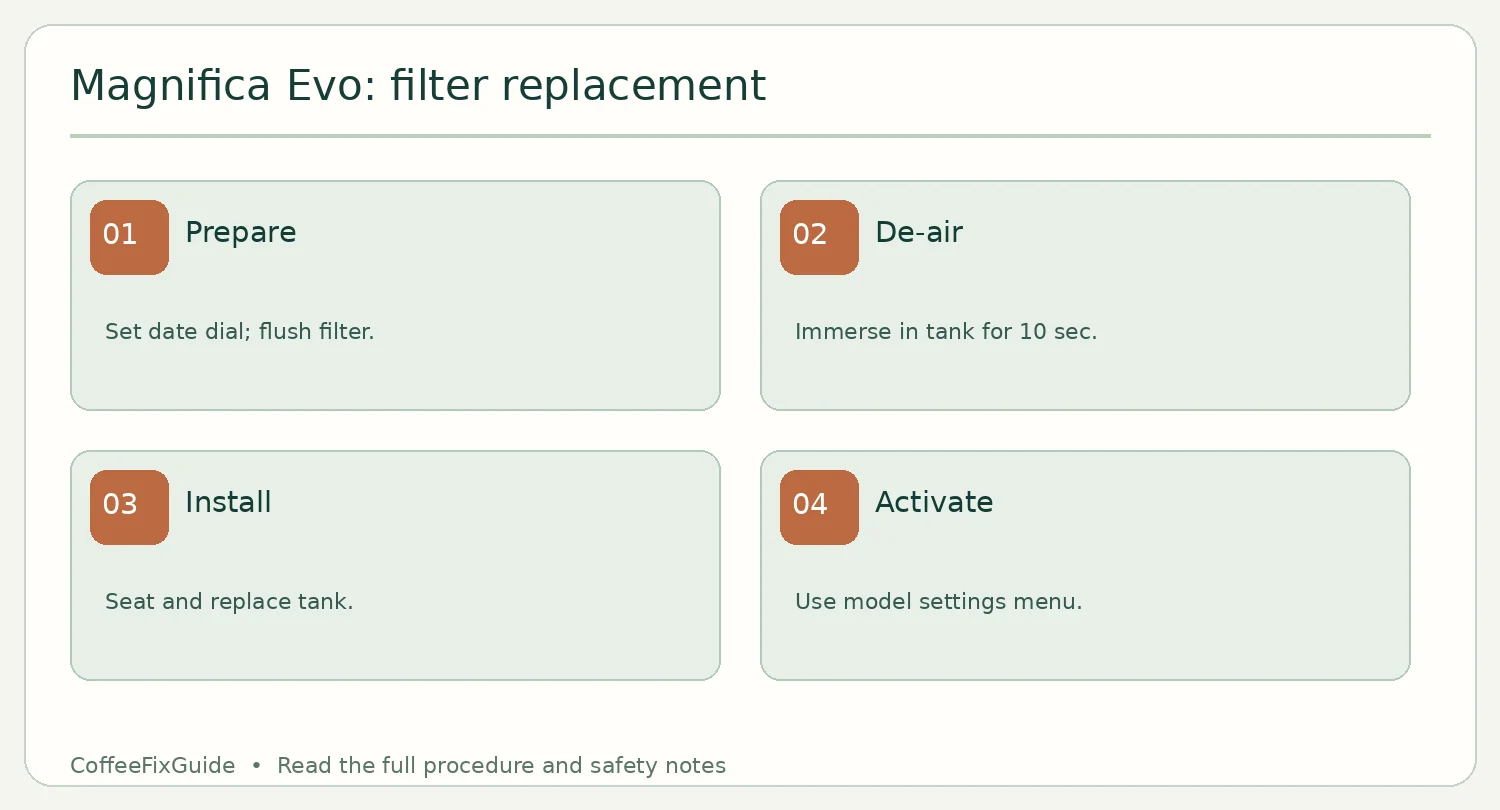
Replace, prime and activate
- Remove the reservoir and spent filter. Turn the new cartridge’s date dial to the next two months if your filter has one.
- Run tap water through the hole in the center of the new filter until water emerges from the side openings for more than one minute, following the ECAM29x manual.
- Fill the tank. Immerse the filter completely for about ten seconds, tilting and pressing lightly to release trapped bubbles.
- Press the filter fully into its housing, replace the tank and put an empty 0.5 L or larger container beneath the hot-water spout.
- Use the install/replace filter option in the settings menu for your exact variant. Let the automatic hot-water activation finish, then confirm normal flow.
If the filter light remains on
Physical installation alone does not register a replacement. Recheck the settings-menu selection, tank seating and filter compatibility. If there is no coffee output after activation, diagnose water and brew paths separately. If the machine stops for an unrelated warning, consult its warning-light guide.
FAQ
Can I run without a filter?
The manual permits it, but removal must also be indicated in machine settings; continue water hardness and descaling maintenance.
Should I copy another ECAM model’s button presses?
No. The filter procedure and settings differ among ECAM29x variants.
Source: De’Longhi ECAM29x.2Y/.3Y/.4Y instruction manual, “Water softener filter” and “Settings menu.”