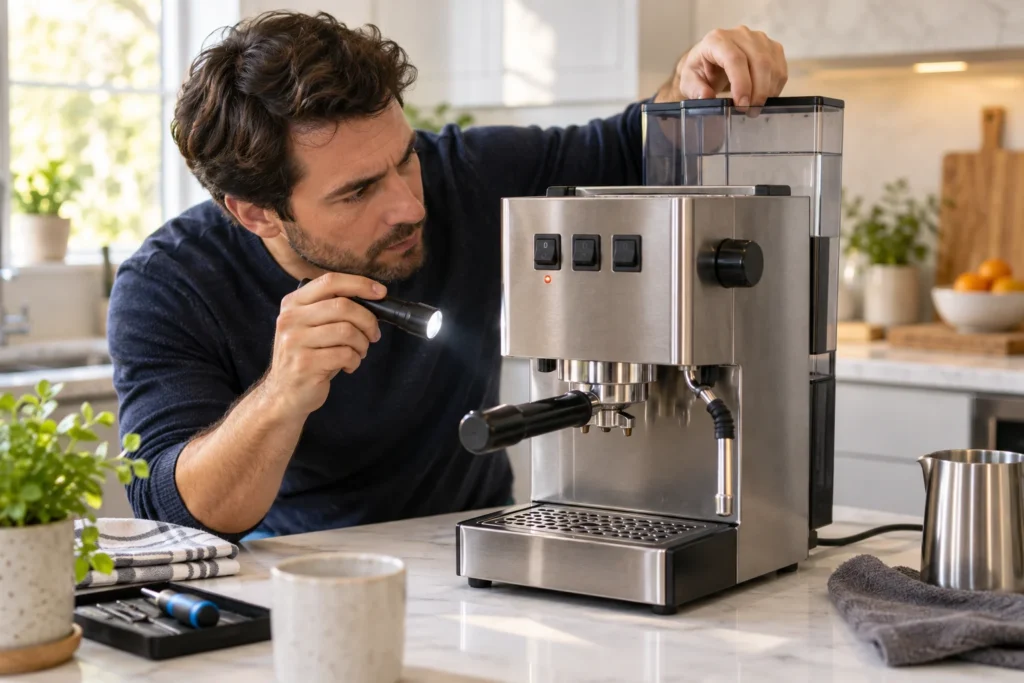
Check whether your badge and label say Classic Pro, Evo Pro or E24. These versions look similar, but their manuals and parts are not interchangeable in every detail. The Classic Pro is a manual espresso machine: a slow shot can result from the grind or basket as well as from water flow.
Start with safe external checks
If the pump sounds normal but little water reaches the cup, check the tank and try to distinguish restricted flow without coffee from a shot that stalls only with a loaded portafilter. Our Classic Pro troubleshooting guide organizes the main flow, brewing and steam symptoms. Let hot parts cool before removing the portafilter or handling the steam wand.
Use the correct manual
Gaggia North America offers manuals for Classic Pro, Evo Pro and E24. Match the model code before descaling or considering replacement parts. Cleaning a basket or shower screen is different from opening the electrical case; stop at accessible maintenance unless you have the training and tools for a repair. The Gaggia brand page gives another route into these guides.
Plan routine maintenance
Use the maintenance schedule to choose your model and usage level. The maintenance tools also include water-hardness conversion and descaling and filter reminders. Follow your machine’s prompts and exact manual when they differ from an estimate.
Before ordering parts
No revision-specific parts are currently listed for this model in our parts compatibility register. Use the complete model code, market and revision to confirm compatibility with the manufacturer or service provider; a similar appearance is not enough.