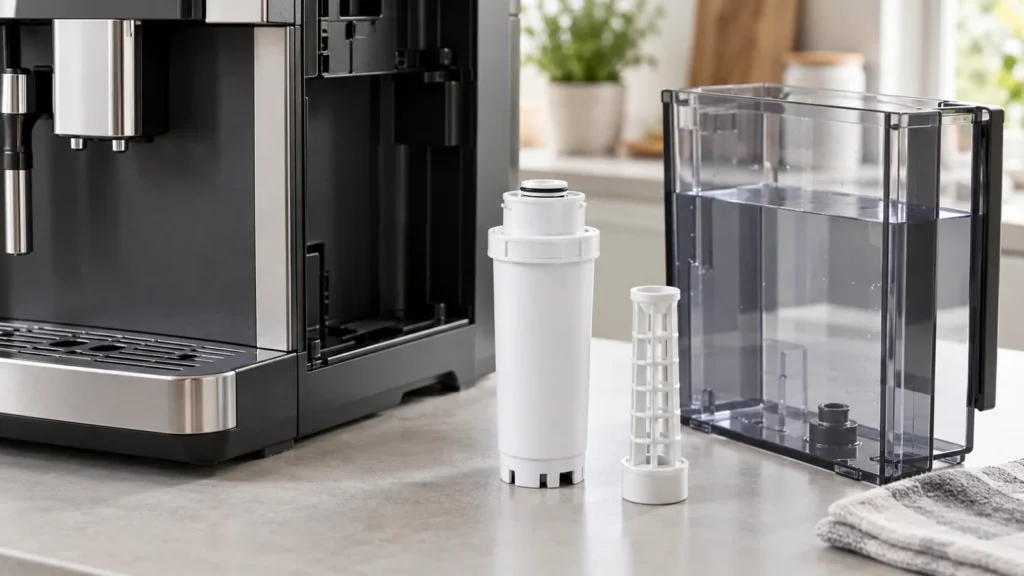
Cover image: conceptual equipment illustration, not an exact cartridge, connector, or model reference. Match replacement parts to your exact model manual.
Quick answer: On the North American JURA E8 covered by the NAA manual, a red filter symbol in the cockpit means the cartridge’s capacity is used. Remove the tank, turn the old cartridge counterclockwise, transfer its extension to a compatible new CLEARYL Smart cartridge, then turn the assembly clockwise until it audibly clicks in place. Refill and seat the tank; the machine detects the replacement and automatically rinses the filter.
Confirm cartridge compatibility
E8 generations and markets can call for different CLEARYL Smart versions. Match your machine’s exact model and manual rather than buying on appearance alone. The machine determines filter capacity from use and water hardness; do not impose a fixed calendar interval in place of its prompt.
Supplies and preparation
- A compatible JURA cartridge and the extension already fitted to the used filter
- Fresh cold drinking water and a receptacle for the rinse
Let the machine finish any active drink or cleaning cycle before changing the cartridge. Do not force threads or operate the unit with a loose filter assembly.
Replace the filter
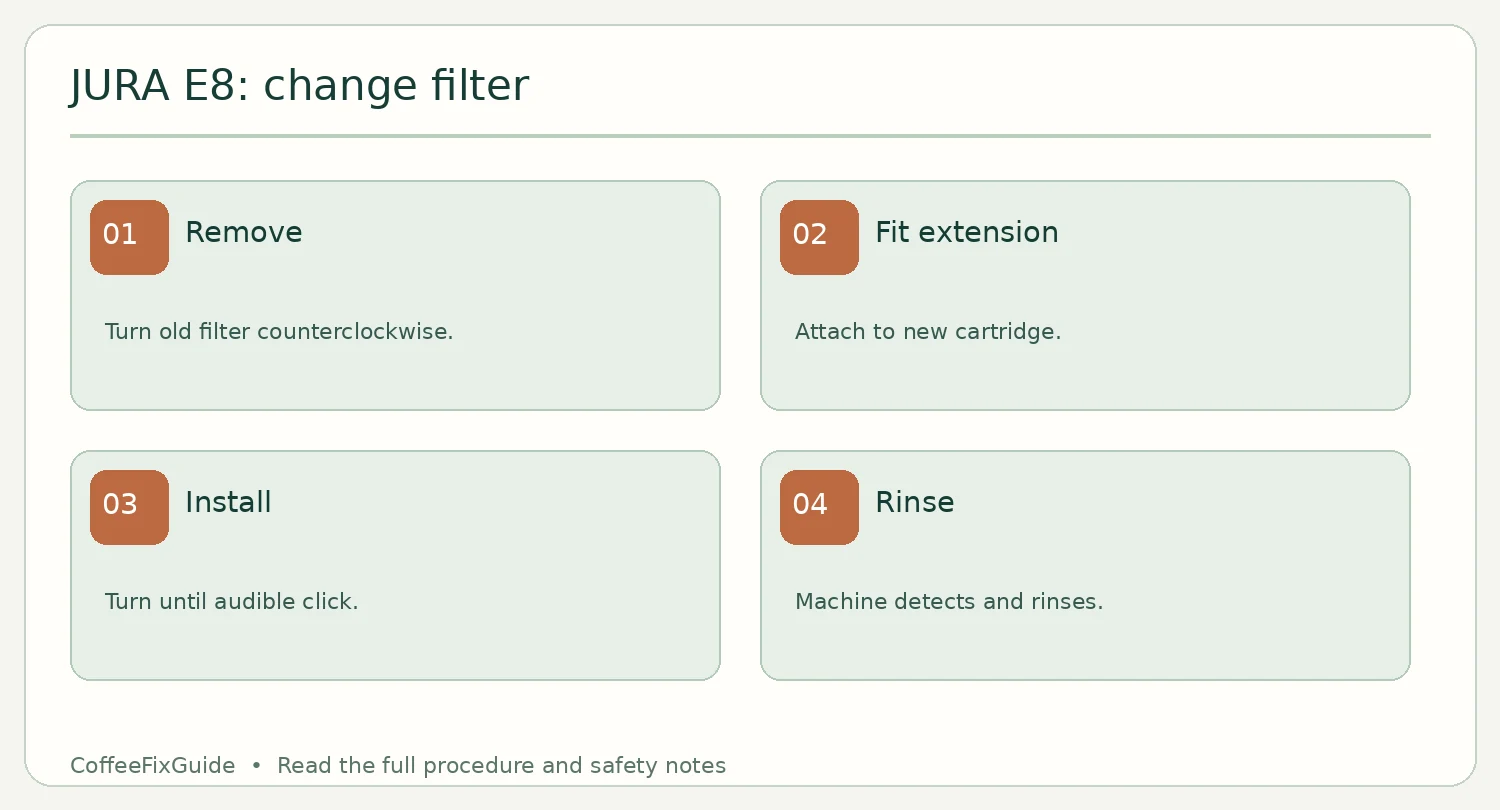
- At the ready screen or red filter symbol, remove and empty the water tank.
- Turn the used filter counterclockwise and lift it out together with the extension. Remove the extension from the spent cartridge.
- Fit the extension to the new compatible cartridge. Insert the assembly in the tank and turn clockwise until you hear it click.
- Fill the tank with fresh cold water and reinstall it. Allow the E8 to detect and rinse the new cartridge automatically, then wait for the ready screen.
If recognition fails
Check that the cartridge is compatible, the extension is fitted and the assembly clicked into place. Do not repeatedly cycle a machine with a leaking tank. An active filter affects the machine’s descaling prompts; see our E8 descaling guide when the machine asks for that program. Filter replacement is distinct from coffee-system cleaning and milk-system care.
FAQ
Should I start the rinse manually?
The referenced E8 manual says the machine detects the new cartridge and rinses automatically after installation.
Does a new filter clear weak coffee flow?
Not necessarily. Follow our slow-flow diagnosis if the symptom persists.
Source: JURA E8 NAA instruction manual, “Inserting/changing the filter.”