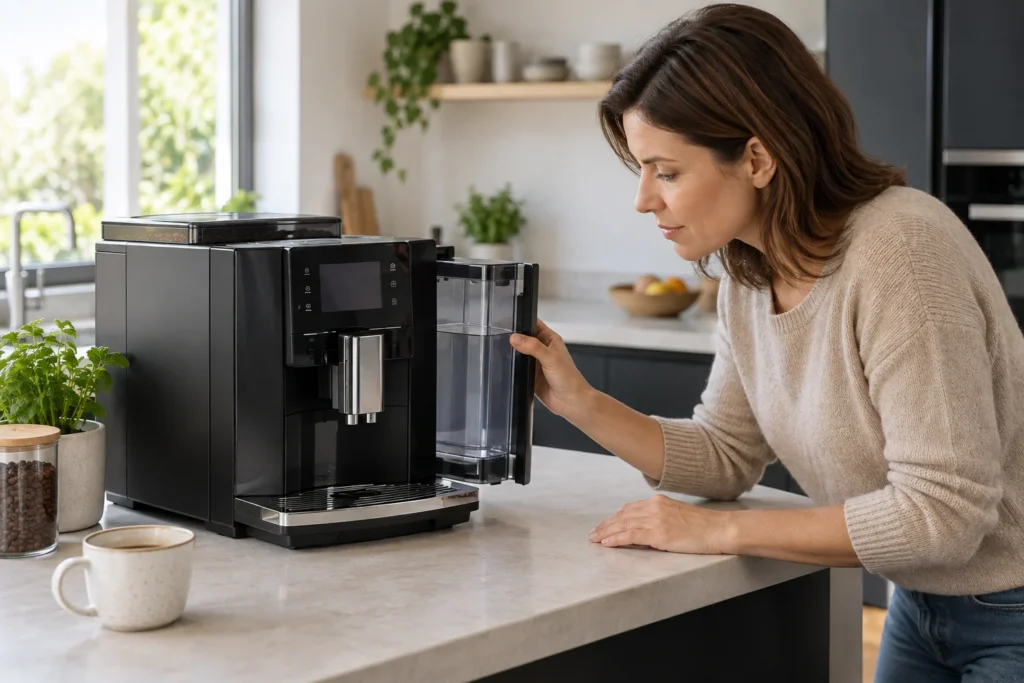
JURA has released several E8 generations. Confirm the model code and display on your machine before using a reset or maintenance sequence. Start with the symptom shown on the screen, then check water, beans and accessible containers before assuming an internal failure.
Find the right E8 guide
Our JURA E8 troubleshooting guide covers no coffee, weak flow, grinder problems, milk foam and tray messages. If the display explicitly shows Error 8, use the Error 8 diagnostic guide instead of repeatedly cycling power. Write down the complete message and the point in the brew cycle when it appeared.
Keep cleaning separate from descaling
The cleaning-tablets guide follows the machine’s programmed cleaning prompt. That program is not the same as descaling, which addresses water-side mineral buildup and may vary with filter use. Follow the E8’s own display and JURA’s model-specific manual. If water enters the case or an error repeats after the safe external checks, unplug the machine and seek qualified service. Browse other machines on the JURA brand page.
Plan routine maintenance
Use the maintenance schedule to choose your model and usage level. The maintenance tools also include water-hardness conversion and descaling and filter reminders. Follow your machine’s prompts and exact manual when they differ from an estimate.
Before ordering parts
No revision-specific parts are currently listed for this model in our parts compatibility register. Use the complete model code, market and revision to confirm compatibility with the manufacturer or service provider; a similar appearance is not enough.