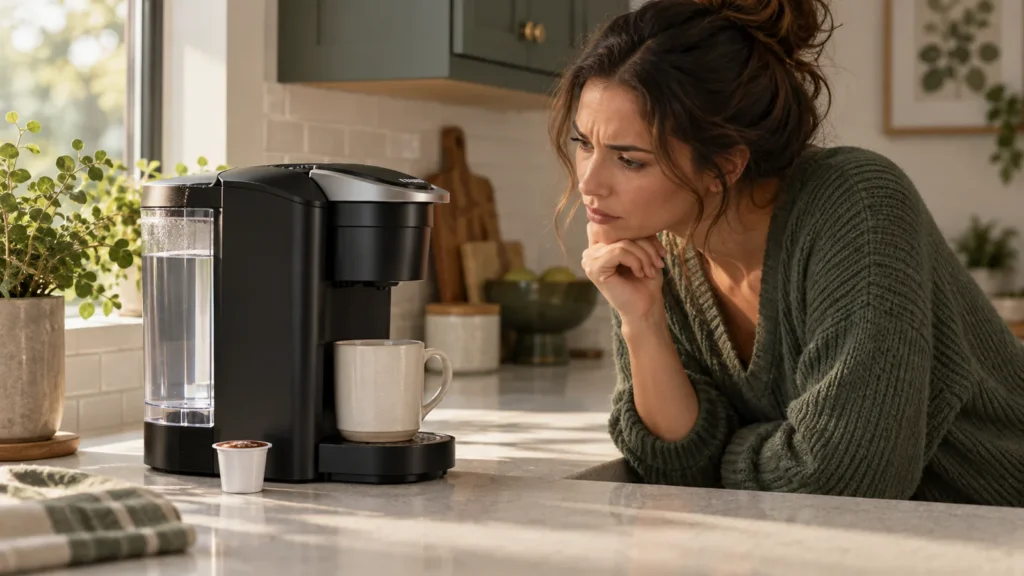
Quick answer: If your K-Supreme turns on but will not start brewing, confirm the reservoir has more than the minimum water, close the pod handle fully, select a cup size and press the blinking Brew button. Keurig’s manual says at least 6 oz of water is required; it suggests adding another 2 oz and trying again when the brewer refuses to brew.
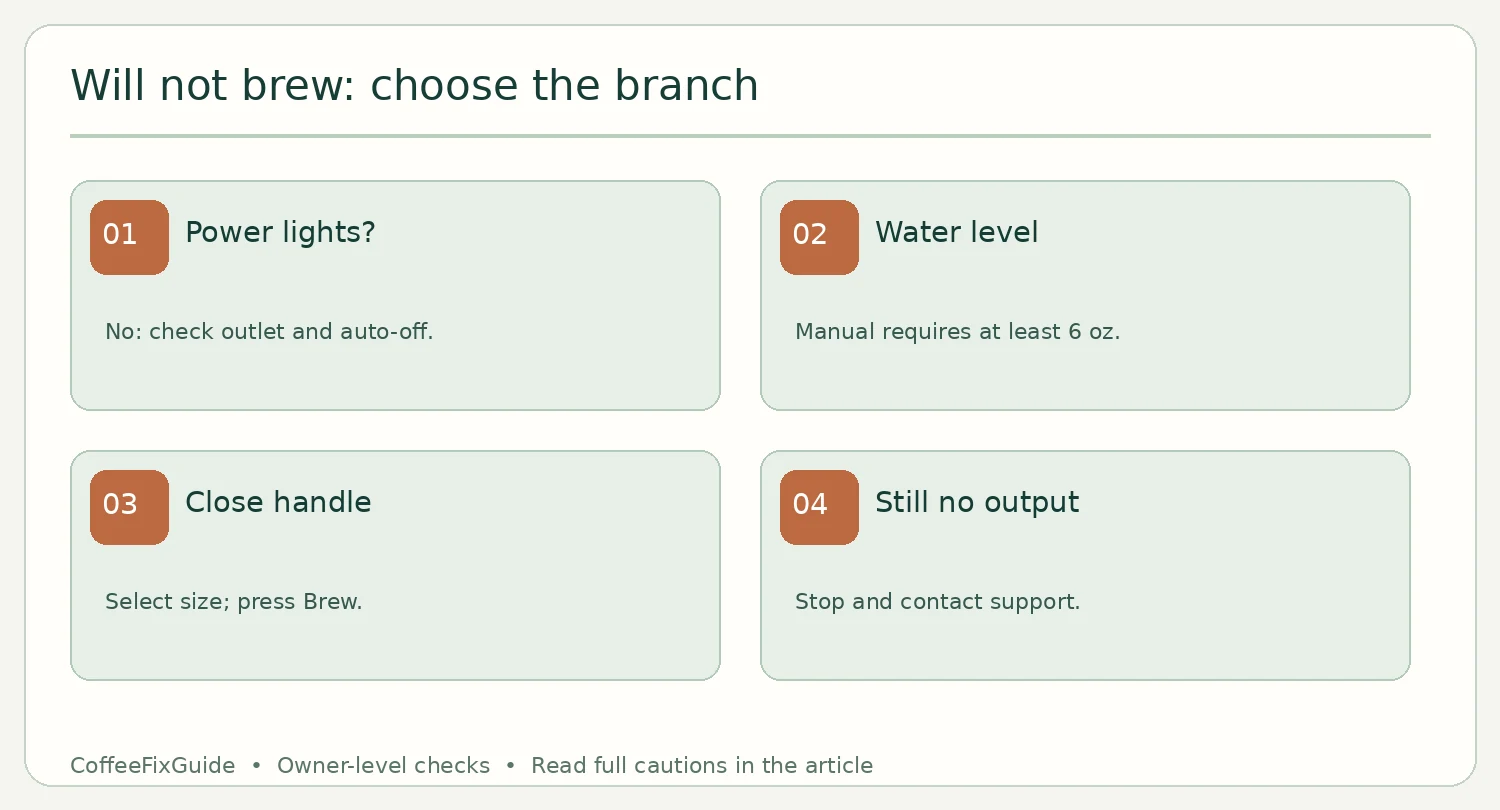
Choose the correct branch
| What you see | Start here |
|---|---|
| No lights, no response | Outlet, power button and auto-off checks. |
| Lights on, no brew starts | Water minimum, handle, size and Brew sequence below. |
| Cycle starts but cup is short | Partial-cup diagnosis. |
| ADD WATER with a full tank | Tank and light checks. |
Step-by-step owner checks
- Confirm power. Lift the handle to wake the brewer. The manual says it also switches off automatically five minutes after the last brew. If still dark, try a properly grounded outlet as directed; do not bypass the plug or open the casing.
- Check water above minimum. Reseat the reservoir and add fresh water. For a no-brew state near minimum, Keurig specifically suggests adding an extra 2 oz before pressing Brew. Do not use distilled water according to this K-Supreme guide.
- Set up one normal pod brew. Place an intact K-Cup pod in the holder, lower the handle completely, select a size and press the blinking Brew button. Do not lift the handle while hot water is brewing.
- Observe what happens. If it begins but stops early, follow the partial-cup guide. If it dispenses water without a pod, that is a cleansing brew, not proof that the pod path works. If no start occurs despite normal lights and these checks, contact Keurig support.
Safety, parts and FAQ
The pod holder contains very hot water during brewing, and its needles are sharp. No internal part replacement follows from these basic checks. Keurig states that this brewer is not user serviceable beyond its recommended cleaning and maintenance.
Why won’t it brew when water is visible in the tank?
Visible water may still be below the manual’s minimum. Add fresh water above that level and retry once.
Should I descale first?
Only follow the full descaling program when indicated or warranted by restricted flow. It is not the first response to a brewer that never starts.
Source
Keurig K-Supreme Use & Care Guide, brew setup, “Brewer Will Not Brew,” power and service sections.