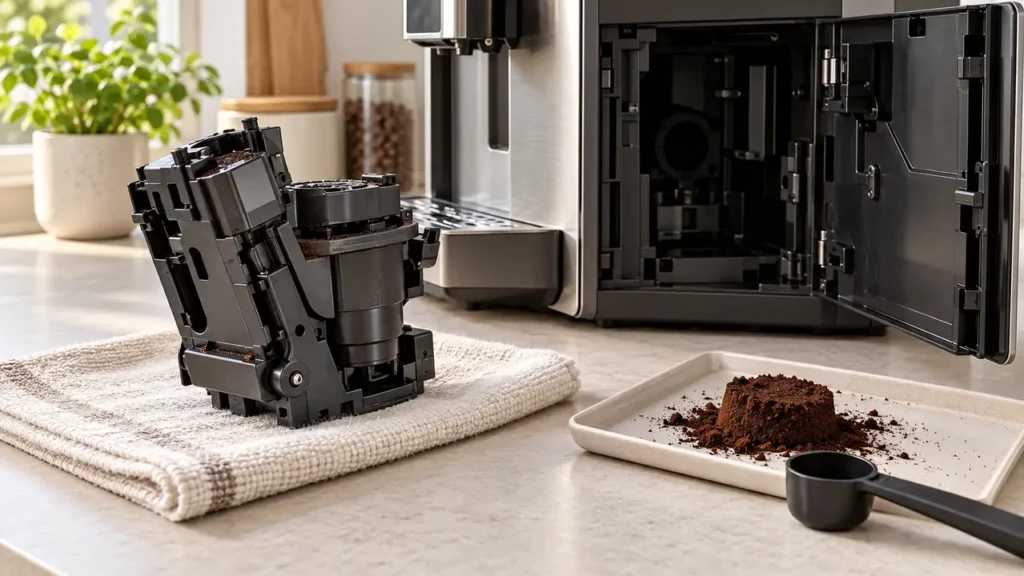
If your Philips 3200 LatteGo grinder turns but little or no ground coffee reaches the brew group, a blocked coffee funnel is one possible cause. Grounds can pack into the passage below the pre-ground coffee compartment. You can check and clear that passage without opening the machine’s outer casing.
Quick fix: Switch the machine off and wait until it is completely quiet. Remove the brew group, open the pre-ground coffee compartment, and gently move the handle of a coffee spoon up and down in the funnel until the packed grounds fall out. Clear the loose grounds, reinstall the brew group and test one coffee. If the grinder makes a harsh noise or the brew group will not release normally, stop and use the model-specific support instructions.
First, identify which problem you have
The sound and what comes out of the spout matter more than the fact that the machine did not make a drink.
| What you observe | Check first |
|---|---|
| The grinder turns, but no grounds seem to reach the brew group; you may get clear water or a very weak drink. | Check for a blocked coffee funnel using the steps below. |
| The grinder is silent or makes a cracking or scraping noise. | Check that beans are present and not bridging above the inlet. Do not put fingers or tools into the grinder. |
| Neither coffee nor hot water flows. | Check the water tank and air in the water circuit. A funnel cleaning will not restore a missing water supply. |
| Hot water flows normally, but brewed coffee only drips. | Inspect the removable brew group and coffee outlet; the grind may also be too fine. |
If you have a broader no-coffee symptom, use the Philips 3200 LatteGo troubleshooting guide to check the water path and warning lights.
How to clear the Philips 3200 coffee funnel
Philips describes this method for a grinder that turns without delivering beans and for a clogged pre-ground compartment. The exact appearance of the top lid and brew group varies across EP32xx variants.
- Finish the current cycle and switch off. Use the power button. Wait about 15–20 seconds, until the machine has stopped making sounds. Do not try to remove the brew group during a descaling cycle.
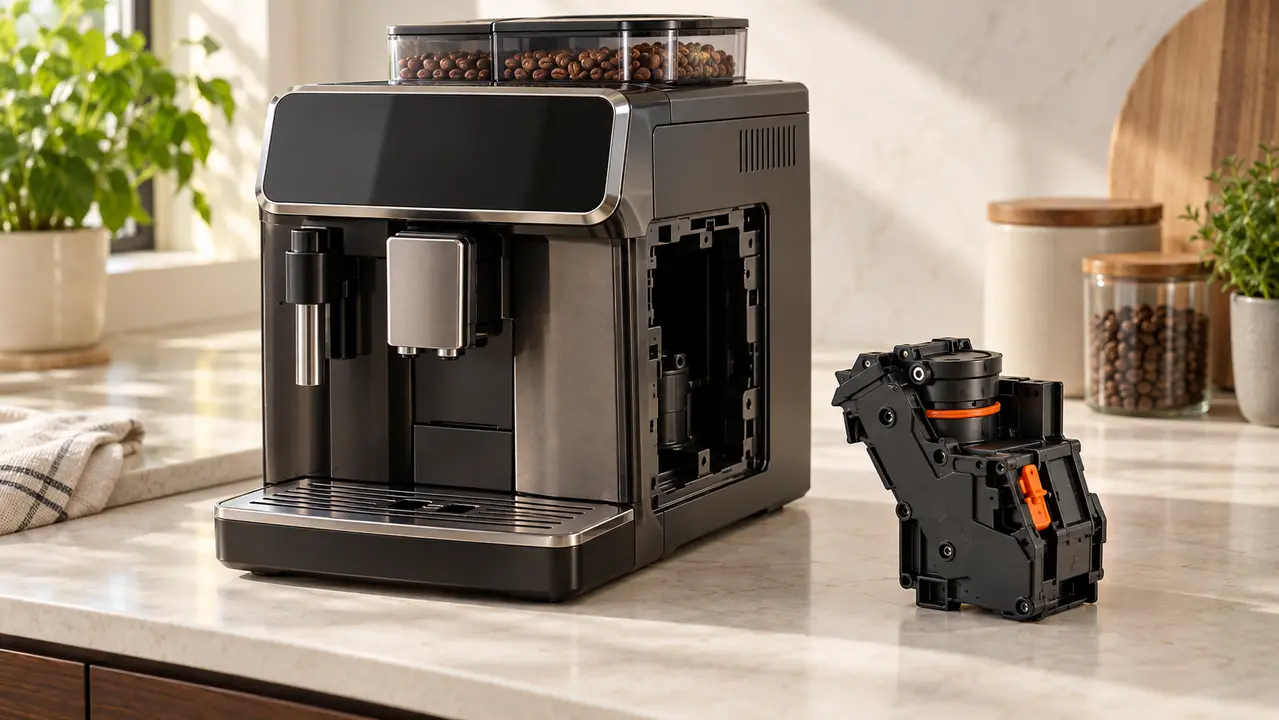
- Remove the brew group. Open the service door and remove the drip tray and grounds container as needed. Press the brew group’s release button and pull it out only if it moves normally. Do not pry or force a stuck group.
- Open the pre-ground compartment. Lift its lid on top of the machine. Keep the bean hopper and the coffee funnel dry.
- Loosen the obstruction. Insert the handle of the supplied coffee scoop or a similar blunt spoon into the pre-ground compartment. Move it up and down in the funnel until the compacted coffee falls into the open brew-group space. Use controlled pressure; stop if you meet a hard object that does not move.
- Remove loose grounds. Clear the fallen dry grounds from the accessible compartment with a small vacuum or a dry brush. Do not put water into the bean hopper or funnel and do not push a metal tool into the grinder.
- Reassemble and test. Refit the brew group until it locks, reinstall the grounds container and drip tray, close the door, then start the machine. Brew one normal bean-coffee drink and check whether it forms a fresh coffee puck and dispenses coffee.
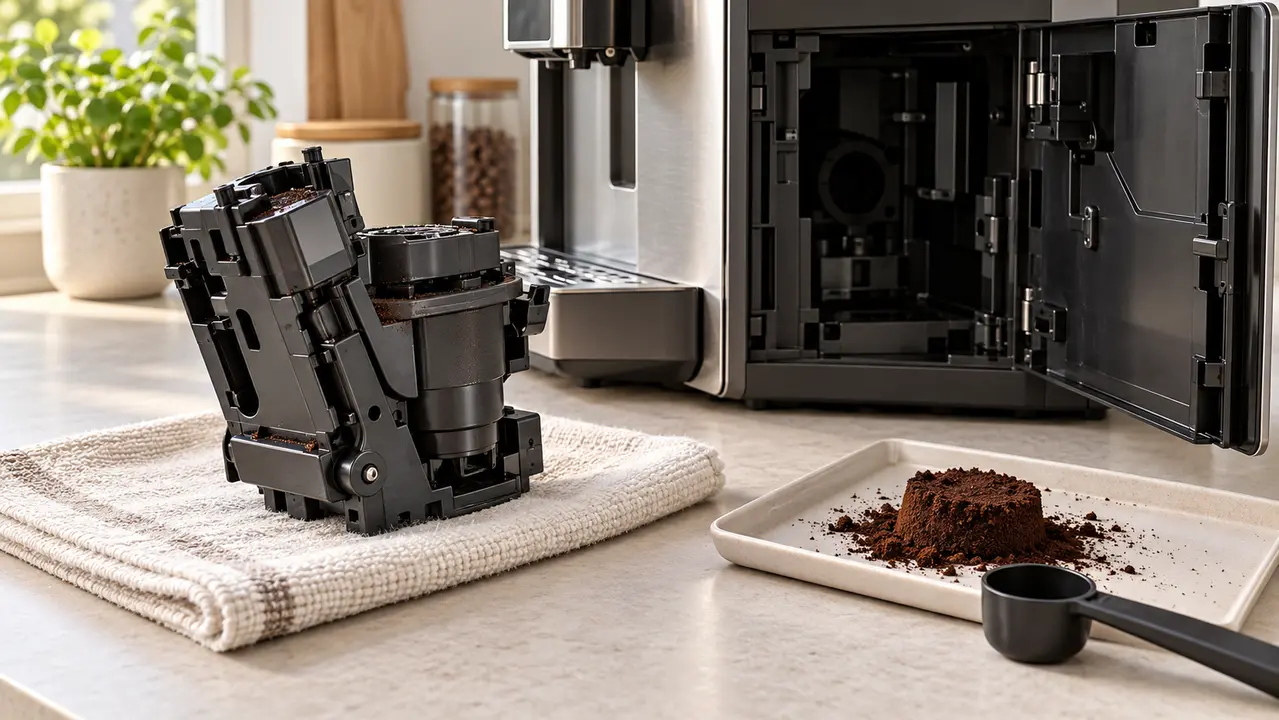
If the brew group is stuck, reinstall the tray and grounds container, close the door, turn the machine on, let it finish its startup, and switch it off normally. Once it is quiet, try again. Never pull harder on a stuck group.
What if clearing the funnel does not work?
The grinder turns but beans do not feed
Switch the machine off and look at the beans from above. Beans can bridge over the inlet even when the hopper appears full. Gently redistribute beans at the surface; keep fingers and utensils away from the grinder opening. If the grinder produces an unusually loud or grinding mechanical sound, stop the test and contact service.
Water comes out, but the drink is weak
Remove and rinse the brew group under lukewarm water, paying attention to its filter screen. Let it air-dry before reinstalling. If the machine is new, Philips notes that the first few cups can dispense less coffee while it settles in. Clean the coffee dispensing outlets if they are visibly blocked.
Hot water does not flow either
Fill and seat the water tank. If an AquaClean filter is fitted, remove it temporarily and test hot water to rule out trapped air or a blocked filter. Follow the filter preparation instructions before reinstalling it. See the full 3200 troubleshooting guide for this separate water-flow problem.
How to keep the funnel from clogging again
- Check and clean the coffee funnel weekly if you use the machine regularly; Philips recommends this interval.
- Keep water out of the bean hopper and pre-ground compartment.
- Use the pre-ground mode only with the amount of coffee specified for your model; excess grounds can be discarded instead of brewed.
- Rinse the removable brew group weekly and reinstall it only after excess water has drained.
Frequently asked questions
Does a Philips 3200 LatteGo show Error 01 for this problem?
The common EP3241-style 3200 controls use warning icons rather than a numeric error-code display. Philips also uses “Error 01” on other display-equipped espresso machines to describe a blocked coffee funnel. Diagnose your 3200 by its actual lights and symptoms rather than assigning it a code from another model.
Can I pour water into the coffee funnel to flush it?
No. Philips advises keeping the coffee bean container dry. Loosen the obstruction mechanically with a blunt spoon handle, then remove dry grounds from the accessible area.
Should I descale to fix a blocked funnel?
Descaling treats mineral buildup in the water circuit; it does not remove packed dry coffee in the funnel. If the Calc/Clean light is on, follow the Philips 3200 descaling guide as a separate maintenance task.