Quick answer: If the “empty coffee grounds container” light on your Philips 3200 LatteGo stays on even though the drawer is empty, empty it while the machine is switched on. Pull out the drip tray and grounds container, leave them out for approximately five seconds, then reinstall both fully. Philips says this gives the coffee-cycle counter time to reset. Emptying the drawer with the machine switched off may leave the warning unchanged. If the icon you see is the general alarm rather than the grounds-container symbol, check the tray and service door instead.
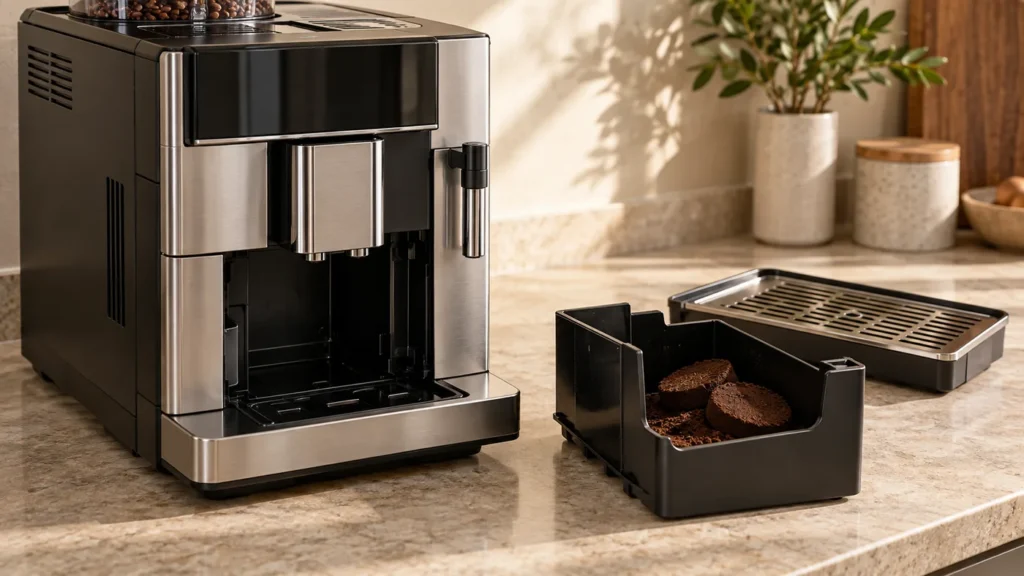
This guide covers the grounds-container warning on the Philips 3200 LatteGo family. Find the full EP32xx number on the data label inside the service door and compare the indicator with that model’s manual. The cover is an original image of a generic coffee machine, not a photo of the exact Philips tray or control panel.
The four-step counter reset
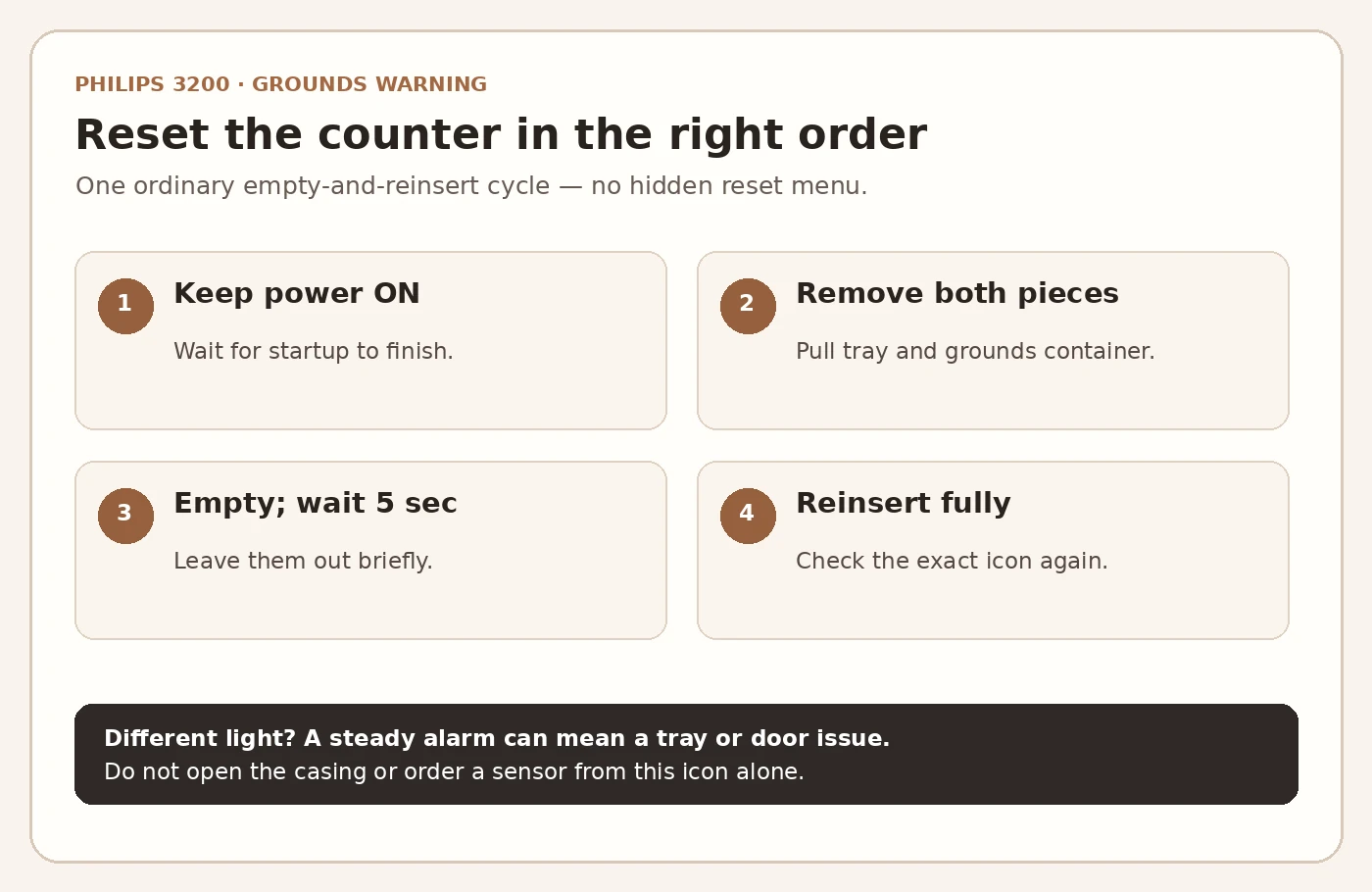
- Let startup finish. Switch the machine on and wait until it is ready and no longer making startup sounds. Do not reach into a running mechanism or interrupt a brew.
- Remove the drip tray and grounds container. Take the removable pieces out normally; empty the used pucks. If the tray contains water, carry it level and empty it safely.
- Wait about five seconds. Leave the drawer out while the machine remains on. Philips specifically calls for this short pause so the counter can return to zero.
- Reinsert everything fully. Slide the grounds container and drip tray back into their normal positions, then check whether the grounds warning has cleared.
Do not unplug the machine for this procedure. Do not hold down an unrelated button or run descaling merely to clear this light. The manufacturer describes an ordinary removal and reinstallation while power is on, not a service-menu reset. There is no tool or replacement part required for this check.
Why can an empty drawer still trigger the warning?
The 3200’s manual describes a coffee-grounds counter: if you empty the container while the machine is off, the counter does not reset. The light can therefore stay on even though you can see no pucks. The same manual advises emptying the grounds container when you remove the drip tray, even if it has only a few pucks; otherwise the count may no longer match what is physically in the drawer.
This explains a common pattern: someone empties the tray after a brew, quickly returns the grounds drawer, and later finds a warning that seems early. At the next safe opportunity, repeat the sequence above with the machine on. If the light clears, resume ordinary use and empty the grounds each time you remove the tray. Do not assume an internal sensor failed from this symptom.
Check the exact symbol if it does not clear
| What stays lit? | What Philips says to check |
|---|---|
| Grounds-container symbol | Empty while the machine is ON, wait about five seconds, and reinstall both pieces. |
| Steady general alarm symbol | Grounds container or drip tray may be out of position, or the service door may be open. |
| Flashing general alarm symbol | Brew group may be absent, incorrectly placed or blocked; see the separate brew group guide. |
| Another icon or several lights | Use the exact model’s manual and the Philips 3200 warning guide before repeating the grounds procedure. |
If the general alarm is on, carefully check that the tray and grounds container are fully seated and that the service door is closed. Do not force the tray against an obstruction. If the specific grounds light remains on after one correctly performed cycle and the pieces fit normally, contact Philips with your full EP model, the exact illuminated symbol and the checks you made. The visible light alone cannot identify a switch, control board or other internal part, so do not order one based on a guess. If you receive a substantial repair estimate, compare it using our repair vs replace calculator.
FAQ
Should I turn the Philips 3200 off before emptying the grounds?
No. Philips instructs owners to empty the grounds container while the machine is switched on so its coffee-cycle counter can reset. Wait for any active brewing or startup to finish first.
How long should the container stay out?
Philips says approximately five seconds before you reinstall it. Rushing the drawer straight back can prevent the counter from resetting.
Why does the light return when the drawer is not full?
The manual says to empty the grounds container whenever you remove the drip tray, even if it contains just a few pucks. This keeps the cycle counter in step with the drawer.
Can cleaning the brew group clear the grounds light?
Follow the counter-reset procedure for the specific grounds symbol. A flashing general alarm refers to a different condition; identify that symbol before working on the brew group.
Official references: Philips: “Empty ground container” while empty; Philips: warning indicators; Philips 800/1200/2200/2300/3200 manual: grounds-container troubleshooting (reviewed September 27, 2026). Check the manual for your exact model and region. CoffeeFixGuide is independent and not affiliated with Philips.