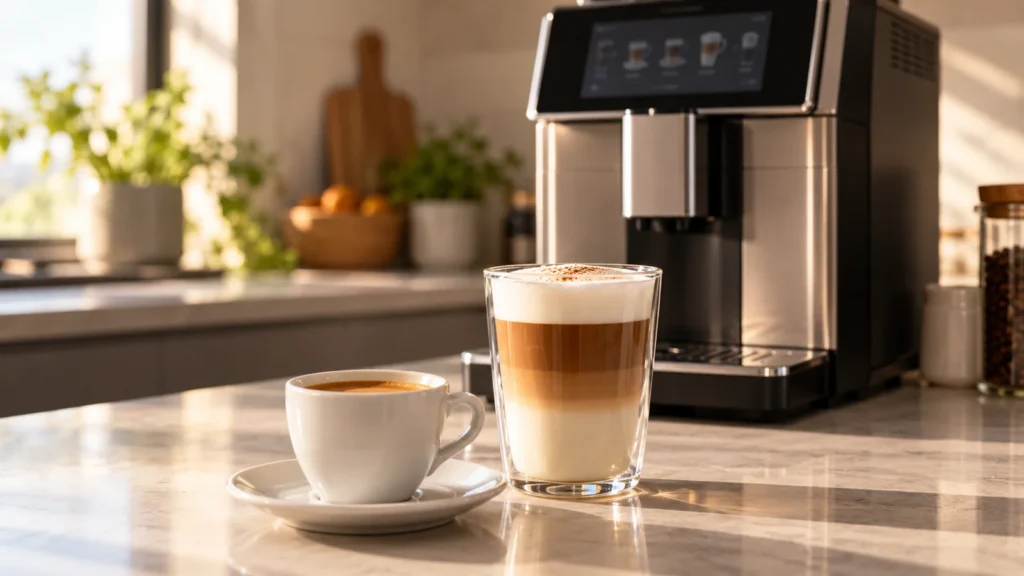
Quick answer: If your Saeco Xelsis coffee is not hot enough, start with a prewarmed cup and check the temperature setting of the drink you actually selected. Then compare plain black coffee with your milk recipe. The Xelsis manual identifies cold cups, a low temperature setting and milk addition as reasons for a cooler drink. If black coffee is still unusually cool after those checks, review maintenance and record what changed before contacting support. Do not put hot water in the reservoir or open the housing to investigate the heater.
Model scope: Xelsis SM7680, SM7683, SM7684, SM7685 and SM7686. Earlier HD/RI Xelsis machines and later Suprema/Deluxe models have different controls. This guide is based on manufacturer documentation, not a claimed hands-on test.
First, decide which drink is actually too cool
A small espresso in a heavy, cold mug and a freshly prepared latte are different tests. Before changing settings, write down the drink, saved profile, cup and whether the problem is new. A sudden change with your usual recipe deserves a different conversation with support than a new machine that has always made drinks cooler than you prefer.
| Observation | Useful first check | What it tells you |
|---|---|---|
| Black coffee improves in a prewarmed cup | Repeat the same recipe and cup preparation | Cup heat loss contributed to the complaint |
| One saved drink is cooler than another | Compare their temperature settings and recipes | Different selections make a poor heater comparison |
| Black coffee is satisfactory, but milk drinks are not | Review milk quantity and milk-system behavior | Investigate the milk recipe separately |
| All usual drinks have become noticeably cooler | Check settings, maintenance history and warning messages | Gather repeatable observations for support if simple checks fail |
| Coffee is also barely flowing | Follow the flow troubleshooting branch | Temperature alone is no longer the whole symptom |
1. Make the cup part of the test
You need: a heat-safe cup, hot water for warming it and a place to empty that water safely. A clean food thermometer is optional; no tools or replacement parts are needed.
Rinse the cup with hot water, empty it completely and brew your usual black coffee into it. Leave drink volume and strength unchanged. Keep the cup on a stable surface while filling it, hold it by the handle and avoid splashes.
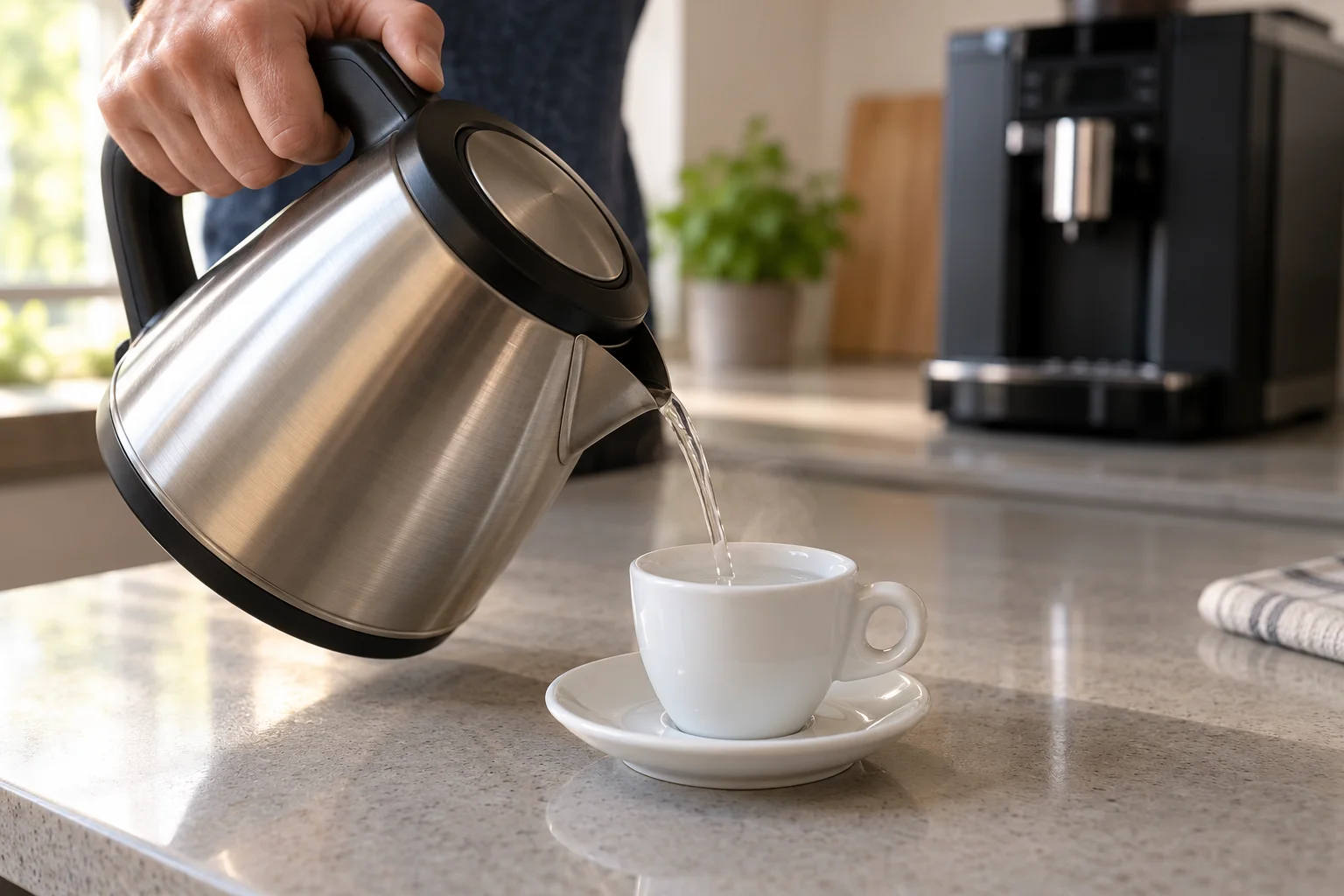
If the result improves, you have identified a practical way to reduce cooling before the first sip. You have not measured the brewing system itself. Keep this cup routine for the next check so that changing cup temperature does not hide the effect of changing a setting.
Keep these two water uses separate: hot water is for warming the cup. The machine’s tank takes cold drinking water, as specified in the Xelsis manual.
2. Check the selected drink and save the change
On the covered SM768x touchscreen family, select a coffee drink and open its adjustable drink settings. Locate temperature, raise it to the high setting and save the recipe to the profile you use. The manual describes drink adjustment with onscreen bars and saving to a profile; do not substitute button sequences from older Xelsis machines.
For this comparison, change temperature only. Keep the same cup, coffee volume and strength. If the next drink improves, reopen that saved drink later and confirm that your preferred setting is still selected. A change made to one recipe is not a reason to assume every profile now matches it.
Do not adjust the grinder as a temperature experiment. It introduces another variable without answering whether cup preparation or the temperature selection caused the difference.
3. Compare black coffee with the milk drink
Philips explains that adding milk, including steamed milk, can lower the finished coffee temperature. That makes a latte an unsuitable direct substitute for a black-coffee check. First decide whether the plain coffee is satisfactory; then evaluate the milk recipe.
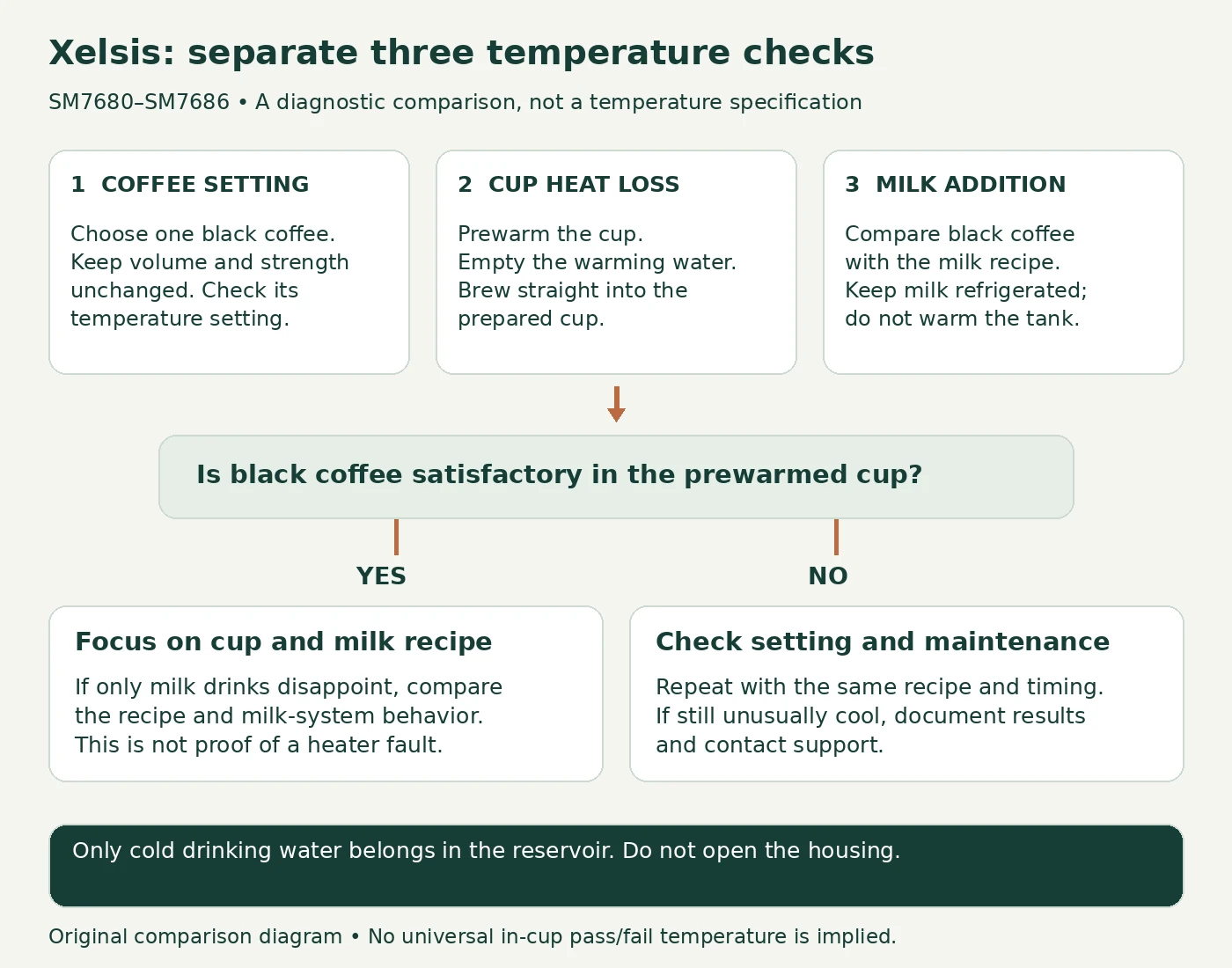
Do not leave milk out to warm up as a workaround. Use refrigerated milk and the documented milk-system routine. If you also see splashing, poor foam or interrupted milk delivery, follow our Xelsis milk-frothing checks. A milk-delivery symptom gives you something specific to investigate; a preference for a hotter latte does not, by itself, diagnose a heater failure.
4. Review maintenance without treating descaling as a reset
Philips lists scale buildup as a possible contributor to reduced coffee temperature. Check the maintenance prompts and your descaling history, particularly if the change was gradual. Use the procedure and approved product specified for your exact model, then complete its rinse instructions. Do not start repeated descaling cycles to chase the symptom.
For the US SM7685/04, the official support page lists Philips CA6700 descaler among the accessories. Confirm the label and local model guidance before buying; a cleaning tablet, milk cleaner and descaler are different products.
If flow is slow or absent, switch to the Xelsis water and brew-path guide. Routine brew-group cleaning belongs in maintenance, but it is not proof that a cool drink came from a dirty group. Likewise, an AquaClean replacement is not a substitute for a requested descaling cycle.
5. Record a repeatable result before requesting repair
If the drink still seems unusually cool, an optional food thermometer can make the report more useful. Measure in the cup after dispensing has stopped, with the cup stable. Keep the probe away from the cup wall and base, follow the thermometer’s instructions and use the same measurement timing for each comparison. Never put a probe into the machine or under an active hot-water jet.
Record the exact model, selected profile, recipe volume, temperature setting, cup preparation and measured result. The point is consistency. Do not compare one reading taken immediately with another taken after several minutes, or treat a number from an online comment as a factory pass/fail limit.
If identical checks remain unsatisfactory, contact Philips/Saeco support. Ask whether they require a particular test method for your model. An in-cup reading alone cannot distinguish a heating component from a temperature-sensing or control problem, so this guide does not recommend ordering those parts.
When to stop
Stop testing for an electrical smell, visible damage, a leak beneath the machine, abnormal overheating or a recurring fault code. Switch off and disconnect safely. Do not remove service covers, bypass thermal protection or test live wiring. User checks end before internal electrical diagnosis.
FAQ
Why is the first drink cooler than the next one?
Compare cup preparation and startup conditions first. Let normal startup activity finish, and keep the recipe unchanged. The general Philips support page mentions QuickStart options for some machines; that is not evidence that your SM768x has those controls.
Should the temperature setting make the milk hotter too?
The covered manual documents coffee temperature separately from milk volume, foam level and dispensing order. Do not assume that raising the coffee setting is a separate milk-temperature adjustment.
Is descaling necessary if I use AquaClean?
Follow the machine’s prompts and the instructions for your filter and model. Do not dismiss a descaling request simply because a cartridge is installed, and do not assume the cartridge is the cause of every cool drink.
For other symptoms, return to the Saeco Xelsis model hub.
Sources and editorial notes
- Saeco Xelsis SM7680–SM7686 user manual: drink customization, safety and temperature troubleshooting.
- Philips: coffee temperature is not warm enough: cup preparation, milk addition and possible scale buildup; controls for unrelated models are excluded here.
- Official SM7685/04 support and accessories.
Reviewed October 13, 2026. The comparison sequence is editorial guidance, not a manufacturer calibration procedure. No universal in-cup temperature specification or internal-part diagnosis is claimed. Photographic-style images are original AI-generated illustrations with representative equipment; the diagnostic graphic is an original diagram.