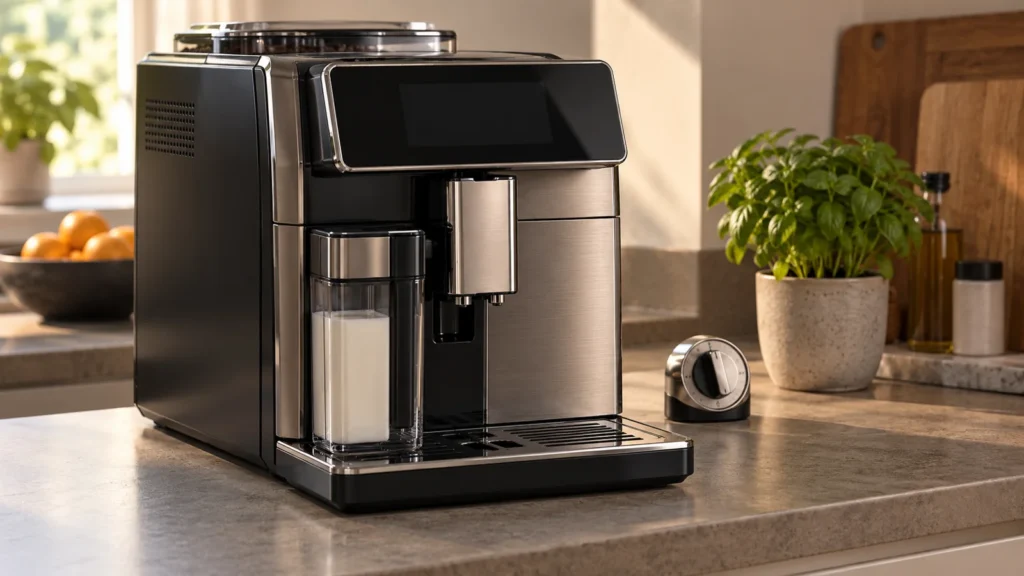
Quick answer: On the Saeco Xelsis SM768x models covered here, Error 14 means the machine has overheated. The manufacturer’s first action is to switch it off and wait 30 minutes before switching it on again. Do not keep restarting it, run descaling to clear the warning, or open the housing. If there is a burning smell, smoke, a damaged cord, or water around electrical connections, skip the restart and stop using the machine. If the error remains or returns after cooling, arrange service. The code alone does not identify a failed heater, temperature sensor, or control board.
Model scope: This guide follows the manual for SM7680, SM7683, SM7684, SM7685 and SM7686. Check your full model suffix in your documents or on the appliance label. Older Xelsis HD/RI models and newer Xelsis families may have different instructions; do not transfer an error-code diagnosis between them.
Confirm the symptom before trying a fix
The starting point is an actual Error 14 message on the display. A warm case, warm rinse water, or coffee that tastes too hot is not enough to diagnose this error. Photograph the screen and note whether it appeared during startup, a drink, rinsing, or descaling.
If the display says Error 05, use the water-circuit guide instead. If there is no error and the drink is lukewarm, see Xelsis coffee not hot enough. Those symptoms call for different checks.
What Error 14 tells you—and what it does not
The SM768x manual identifies overheating and prescribes a cooling pause. It does not provide a component-level fault tree or failure rates for this code. A warning that clears after cooling and a warning that returns immediately are useful observations for service, but neither proves which part caused it.
Check the installation from outside: the machine should not be operating inside a cabinet or beside a stove or another heat source. Correct an unsuitable location only after the appliance is off and safe to move. Finding a heat source nearby does not prove that it caused the fault.
Before you begin
- Tools: a timer and a phone or paper to record the message. No screwdriver or electrical meter is needed.
- Time: at least 30 minutes for cooling, plus a few minutes to observe the restart.
- Difficulty: easy external checks only. Internal electrical diagnosis belongs with a qualified technician.
- Parts: none should be ordered from Error 14 alone.
Step-by-step cooling and restart check
1. Check for reasons not to restart
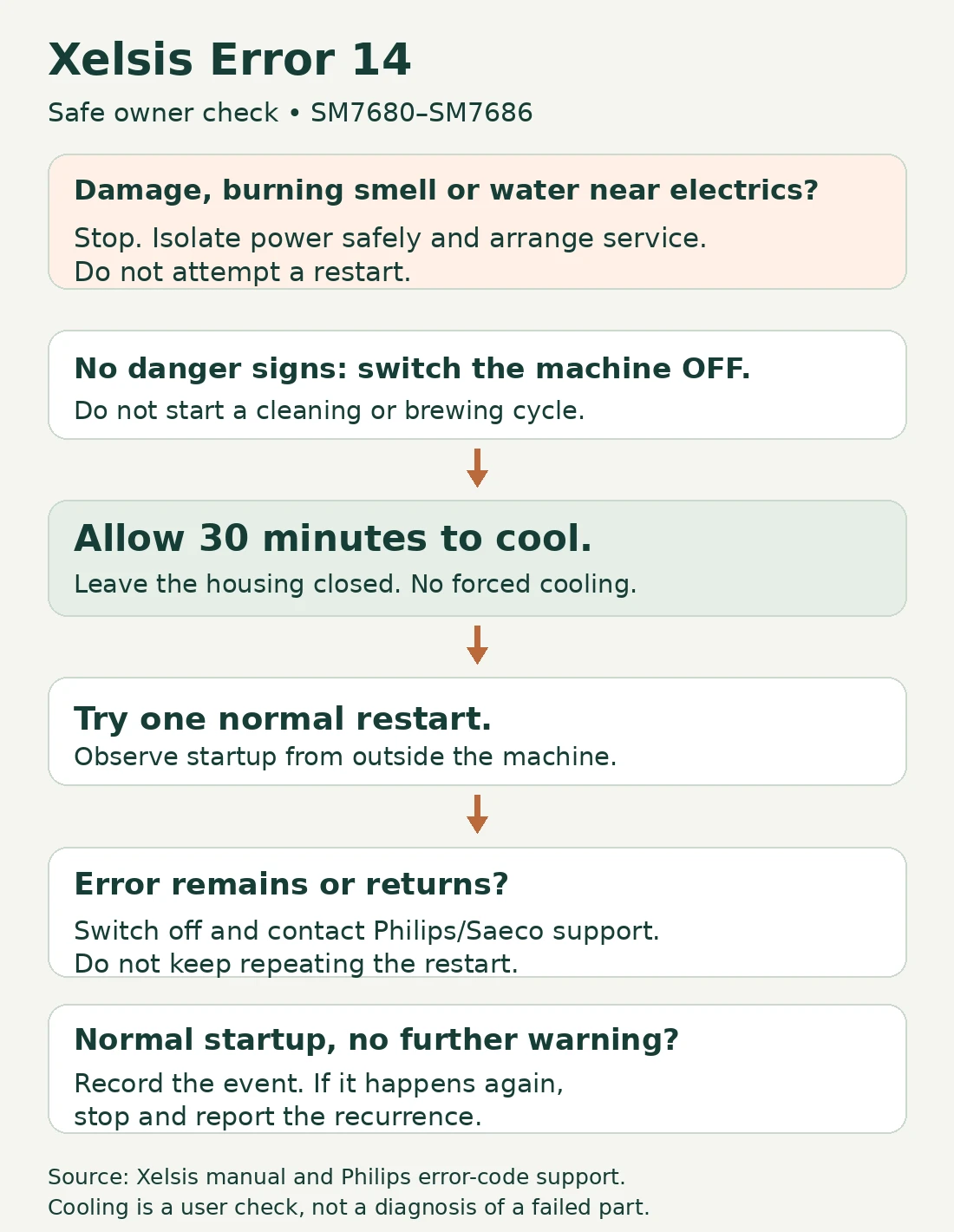
Stop if you notice smoke, a burning smell, a damaged power cord, or leaking water near electrical connections. Do not touch a wet plug or outlet. Isolate the power only if you can do so safely, and arrange service. Do not run another drink to see whether the warning disappears.
2. Switch the machine off
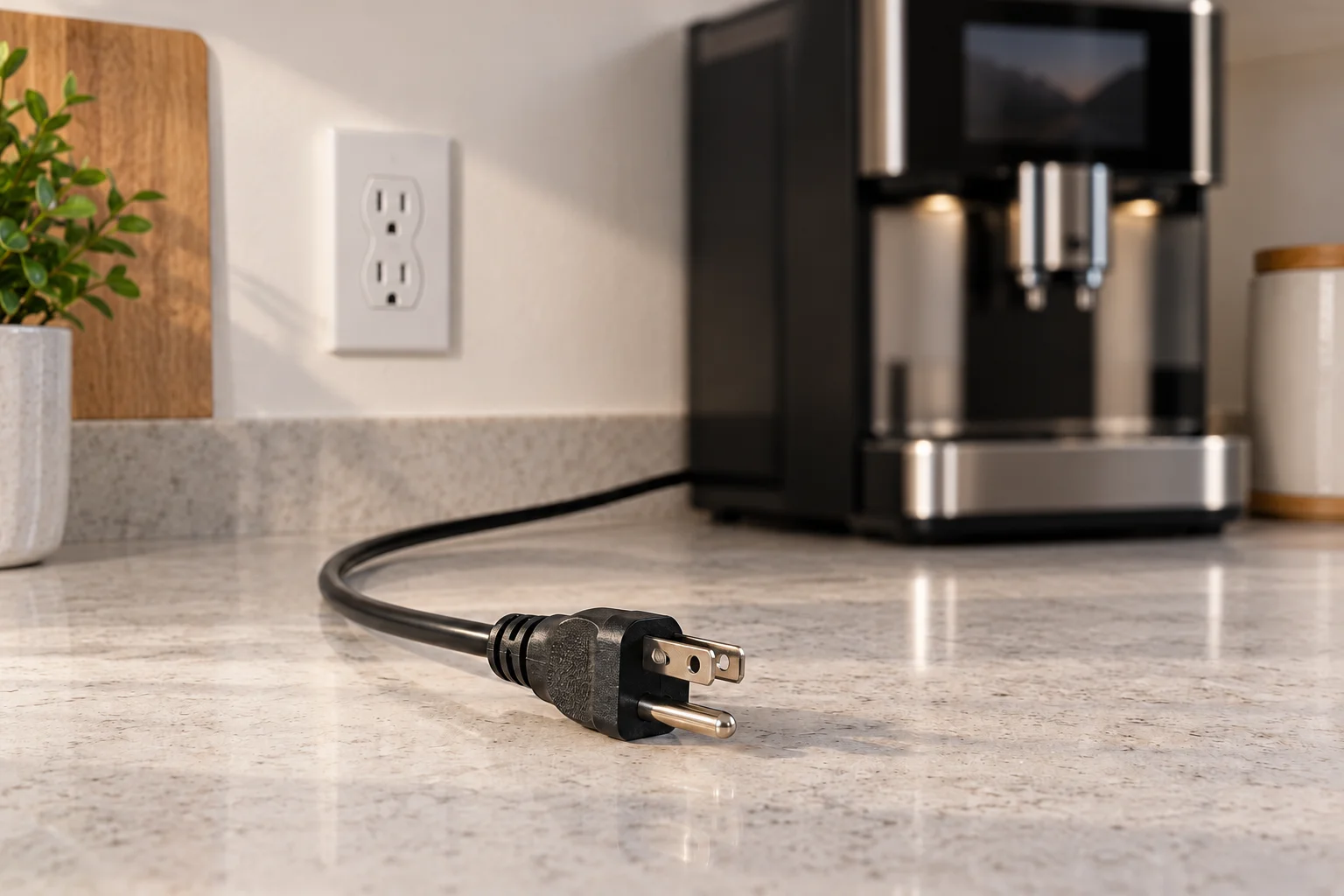
Use the normal power control. The manual’s general malfunction precautions also call for unplugging the appliance. Handle the plug only with dry hands and a dry, safely accessible connection; pull the plug, not the cord. Keep the housing closed.
3. Allow a full 30-minute cooling pause
Start a timer and leave the machine off. Let it cool naturally. Do not pour cold water over it, put ice in the tank, or remove panels to speed cooling. There is no need to remove the brew group or replace the AquaClean filter for this overheating check.
4. Make one normal restart
If there were no danger signs, reconnect power safely and switch on after the full cooling period. Observe the display. This guide uses one controlled retry as a cautious stopping rule; the manufacturer specifies the 30-minute wait but does not give a repeated-retry allowance.
If normal startup completes without the warning, record what happened and watch for recurrence during ordinary use. Do not run repeated drinks as a stress test. Cooling may clear the immediate warning; it is not confirmation that an underlying problem has been repaired.
Decide what to do from the result
| Result | Next action |
|---|---|
| Error 14 remains after cooling | Switch off and contact service. Report that a full 30-minute pause did not clear it. |
| It clears, then returns | Stop using the machine and arrange diagnosis. Note which operation preceded its return. |
| Normal startup, no further warning | Keep a record of the incident and monitor normal use. Do not assume a specific component was fixed. |
| A different code appears | Record the exact code and use the matching instructions; do not continue the Error 14 procedure repeatedly. |
What to send the repair service
Provide the full model number, a photo of the message, when it appeared, whether any unusual smell or leak occurred, and the result of the cooling attempt. Include whether descaling was in progress. These details are more useful than requesting a particular replacement part based on the code.
Ask for a diagnosis and written estimate before approving parts. A heater, sensor or board recommendation needs evidence from the technician and compatibility with your exact model. There is no reliable repair price or parts list that can be inferred from Error 14 alone.
Frequently asked questions
Should I descale the machine to clear Error 14?
No. The published Error 14 action is cooling, not descaling. Do not start a new cleaning cycle while the error is active. If it interrupted descaling, tell support which stage stopped; do not drink the output or return to brewing until the required descaling and rinsing sequence has been completed under the applicable instructions.
The outside feels cool. Does that mean the sensor is faulty?
No. The temperature of the outer case does not establish the condition of internal components. Record that observation for service, but do not use it to bypass the warning or order a sensor.
Will a factory reset or lower coffee-temperature setting fix it?
Neither is the manufacturer’s listed Error 14 remedy. Drink preferences are not a substitute for resolving an overheating warning. Use the cooling check above, then service if the warning persists or returns.
Sources and related help
This is a documentation-based owner troubleshooting guide, not a report of a hands-on repair. Original illustrations are explanatory; they are not manufacturer product photographs.
- Official Xelsis SM768x user manual — English error-code table, printed page 22, and safety instructions.
- Philips support: espresso-machine error codes — Error 14 overheating and 30-minute cooling instruction.
- Official Xelsis SM7685/04 support — model documentation and support options.
For other symptoms and maintenance topics, return to the Saeco Xelsis model guide.