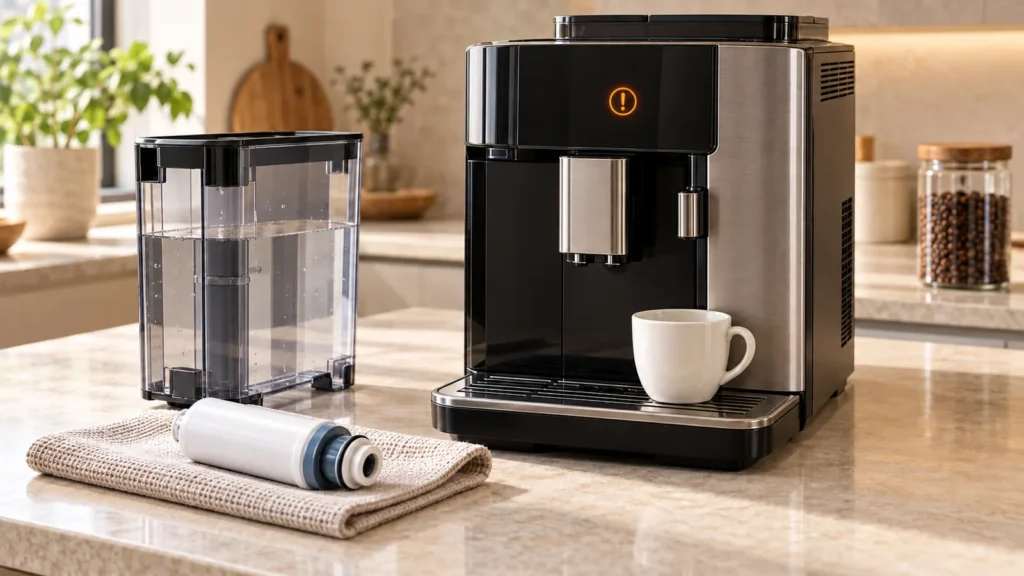
Quick answer: On a Saeco Xelsis SM7680–SM7686, Error 05 points to air in the water circuit or a filter that prevents proper flow. Switch the machine off with its main switch, fill and reseat the water tank, then restart it. If it becomes ready, dispense two or three cups of hot water. If the problem persists and an AquaClean filter is fitted, switch off, remove the filter and test again. Flow returning without the filter points to preparation or blockage of that filter. Stop repeated attempts if the machine cannot dispense water.
First read the actual screen. The Xelsis manual also shows a separate fill water circuit symbol that asks you to check water in the tank and press Start/Stop. That is a normal priming prompt, not itself an Error 05 code. The cover is a generic illustration, not a photograph of the Xelsis control panel.
Error 05 versus the fill-circuit prompt
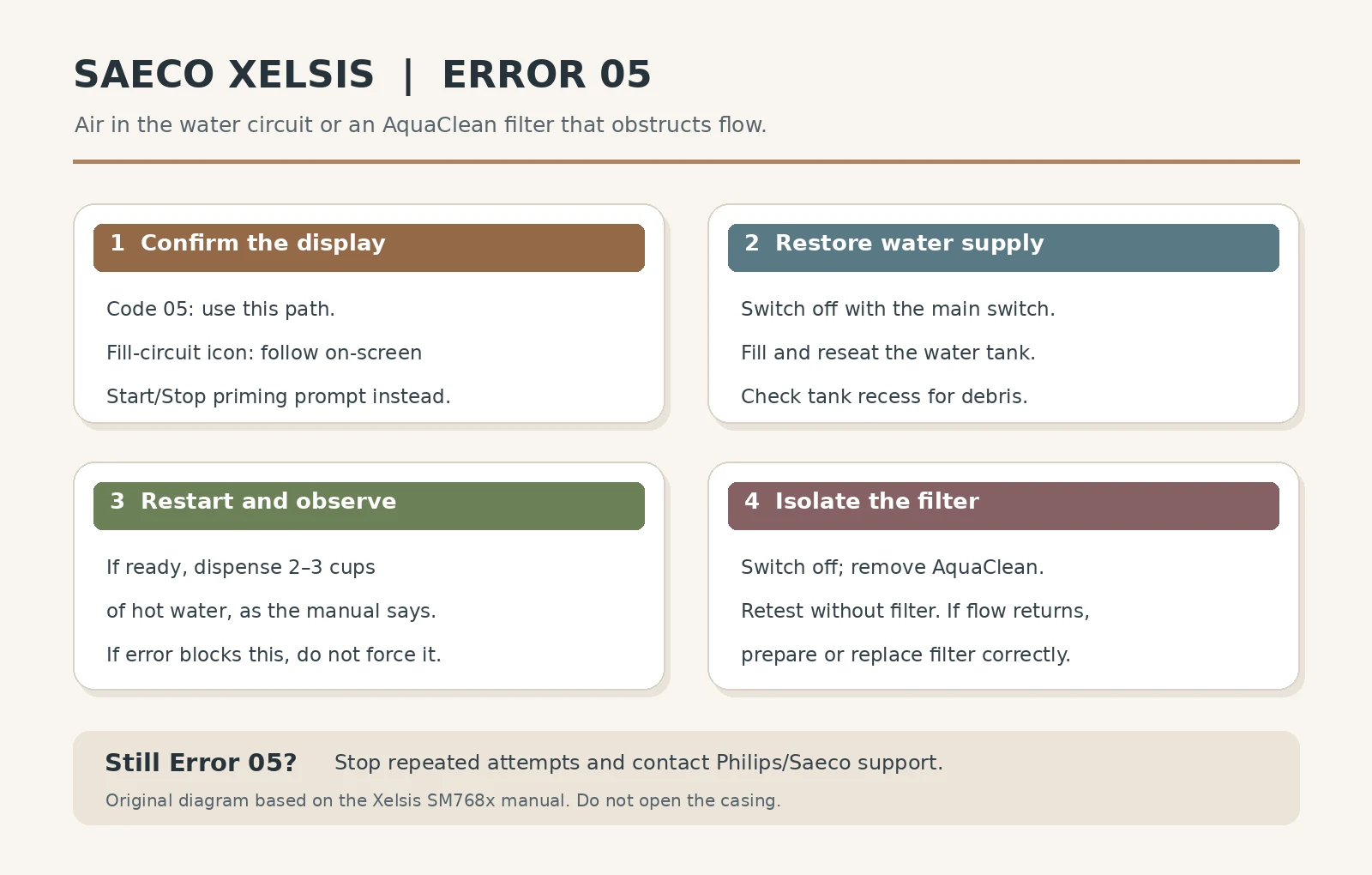
| Display | Meaning in the SM768x manual | First action |
|---|---|---|
| Error 05 | Air in the water circuit; improperly prepared or blocked AquaClean may also contribute | Restart with the main switch and test water output; isolate the filter if needed |
| Fill-water-circuit icon, no numeric code | Machine asks to fill its water circuit | Ensure tank has water and press Start/Stop as prompted |
| Error 01 | Blocked coffee funnel | Use the separate Error 01 guide; it is a different fault |
| No code, but no coffee | Several possible causes | Use the no-coffee guide |
What you need
Fresh cold water, a clean heat-safe container for hot water and, if fitted, access to the AquaClean filter in the tank. Keep a towel handy for spills. You do not need tools or a replacement pump for these checks. The water outlet can emit brief jets of hot water; keep hands clear until dispensing stops.
1. Confirm the tank can supply water
- Switch the machine off with its main switch. Remove the water tank, fill it with fresh cold water and inspect its seating area for loose coffee beans or debris. Philips/Saeco support lists debris beneath the tank as a possible air-entry cause across its automatic machines.
- Seat the tank firmly and switch the machine back on. Do not add milk, cleaning liquid or descaler to the tank during this check.
- If the machine returns to the ready screen, select hot water and dispense two or three cups, using a container that can safely handle hot water. This is the sequence in the SM768x manual after a successful restart. Watch for normal continuous flow.
If Error 05 blocks the menu or water will not dispense, do not pretend the rinse completed. Move to the filter check or contact support if the filter is already absent. A restart that clears the code for only one drink is still a recurring fault worth documenting.
2. Test without the AquaClean filter
The Xelsis manual gives a second cause for code 05: the AquaClean filter may not have been prepared before installation or may be clogged. Switch off and remove it from the tank. Fill and reseat the tank, restart and try to brew or dispense water without the filter as allowed by the machine. Note whether flow returns and the code stays away.
Flow returns without the filter: the filter is the useful diagnostic difference. Prepare it correctly before refitting, or replace it if it remains restrictive. For the SM768x manual, shake a new AquaClean filter for about five seconds and immerse it upside down in cold water for at least 30 seconds until bubbles stop; then push it fully onto the tank connection. Follow the on-screen AquaClean activation instructions. Philips’ current support page also advises dispensing two to three cups of hot water after reinstalling a prepared filter.
No improvement without the filter: do not repeatedly buy filters. Air, tank seating or a different water-path problem may remain. Stop if water cannot be delivered and seek service rather than guessing at a pump, flow meter or valve.
3. What about descaling or the brew group?
The SM768x manual says to descale if maintenance has been neglected for a long time after restarting and restoring flow. A descale program needs water to pass and rinse properly. Do not start one while Error 05 still prevents dispensing. Once the machine operates again, follow its on-screen descaling program with the manufacturer-specified product and complete the rinse phase.
Philips/Saeco’s broader troubleshooting page also includes a dirty brew group among potential contributors to a code 5 on some automatic models. If your machine is operable and the simple tank and filter checks do not fully resolve the symptom, follow the removable brew-group cleaning instructions for your exact Xelsis. Turn it off and wait until it is quiet; rinse the removable brew group with lukewarm water and let it air-dry. Do not open the casing or lubricate parts at random. This is a secondary check, not a reason to skip the water and filter path named in the SM768x manual.
When to stop and request service
Contact Philips/Saeco or an authorized service center if Error 05 remains with a full properly seated tank and no filter, the hot-water path cannot run, the machine leaks, or the error recurs immediately after apparently clearing. Record the exact Xelsis model number (such as SM7685/04), whether AquaClean was fitted, whether hot water dispenses, and when the error first appeared. The model number is listed inside the service door for the SM768x family. Do not disassemble the housing or bypass a sensor.
FAQ
Is Saeco Xelsis Error 05 a failed pump?
Not by itself. The SM768x manual names air in the circuit and a poorly prepared or clogged AquaClean filter. Test those first. A component diagnosis needs further evidence if the code persists.
Should I press Start/Stop for Error 05?
Press Start/Stop when the screen specifically shows the fill-water-circuit prompt. For a numeric Error 05, follow the error table: main-switch restart, hot-water output if the machine becomes ready, then filter isolation.
Can I run the Xelsis without AquaClean for the test?
Yes. The SM768x manual explicitly says to remove the AquaClean filter and try again as a diagnostic step. If that works, prepare the filter before refitting or replace a persistently clogged one.
Does the same procedure apply to every Xelsis?
No. Xelsis spans older HD/RI generations and newer SM models, with different screens and filter systems. This detailed sequence is based on the SM7680–SM7686 manual; identify your exact product code and consult its manual if the controls differ.
Sources and scope
Checked October 10, 2026 against the Saeco Xelsis SM7680–SM7686 user manual (error-code table and AquaClean preparation) and Philips Error 05 support. The image is an original diagnostic chart, not an exact depiction of a manufacturer display. See the Xelsis model page for related guides.