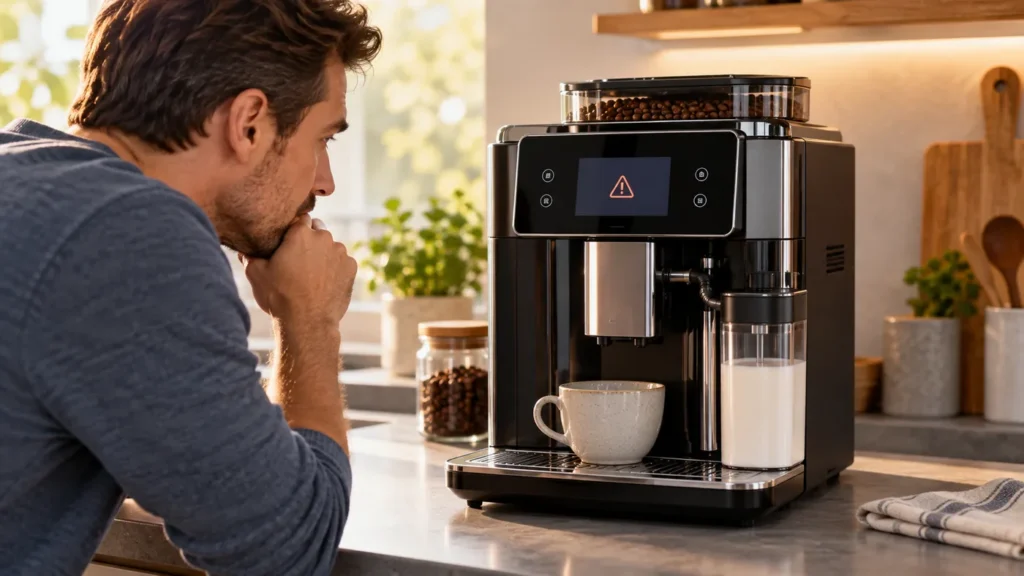
Saeco Xelsis Error 01 usually points to a blocked ground-coffee funnel. Saeco describes service code 1 as coffee grounds obstructing the passage between the grinder and brew group. A displayed code does not by itself prove that the grinder motor is damaged. Let the machine finish switching off, identify your exact Xelsis version, and check only the accessible coffee path described in its manual.
Check the model label first. Xelsis includes SM, HD and RI generations with different doors, displays and pre-ground-coffee openings. This guide follows Saeco’s Xelsis-inclusive troubleshooting guidance for service code 1. Match its steps to the manual for your complete product code; SM7684/04 is one example, not a substitute for your label.
Safety: Never put a finger or tool into the bean hopper or burrs. Do not use water in the coffee funnel or bean container. Stop if the brew group is jammed, the machine will not finish a shutdown, liquid reaches the electrical base, or you smell burning. Do not open the outer housing.
Want guided checks? Start the Xelsis Error 01 diagnostic wizard. Confirm the exact code and model label first.
Confirm that the display really says 01
| Display or symptom | Manufacturer’s likely direction | What to do first |
|---|---|---|
| 01 or E01 | Ground-coffee funnel obstructed | Check the accessible funnel after a complete shutdown |
| 03 or 04 | Brew group dirty or not seated correctly | Use the matching manual’s brew-group instructions |
| 05 | Air or a water-circuit problem can be involved | Check tank and filter; do not clean the coffee funnel as a universal reset |
| Different code or wording | May indicate a different fault | Record the complete display and consult model-specific support |
Take a photo of the message before restarting. If the grinder runs but no coffee reaches the cup without code 01, start with our Xelsis no-coffee guide; that symptom can have water-flow and brew-path causes unrelated to this code.
1. Let the machine finish its shutdown
Use the normal power control and wait until all movement and sound stop before opening the service door. Philips suggests allowing roughly 15–20 seconds for this in its error-code guidance. Do not pull the brew group against its motor-driven position. If it will not release with the normal latch, close the door and follow the model manual’s recovery instructions or contact support.
2. Inspect the accessible coffee funnel
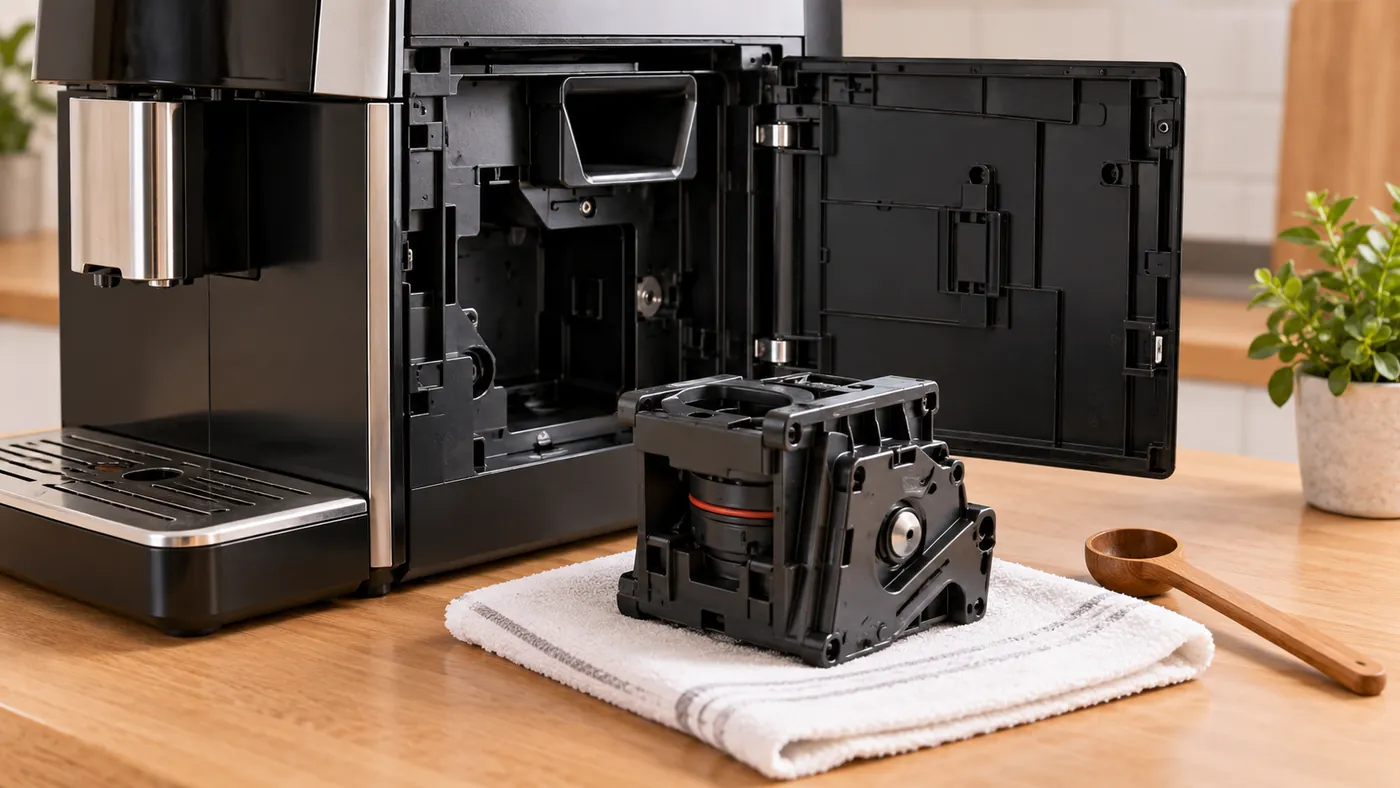
Remove the brew group only as your manual directs. If the machine has a pre-ground coffee opening, look down the opening without pouring anything into it. Dry, compacted coffee can bridge this chute even while beans remain in the hopper. On variants without an accessible top opening, Saeco describes reaching the funnel from below after the brew group is removed; do this only if your exact layout and manual make the passage obvious. Keep clear of the grinder and internal wiring.
3. Clear dry grounds without forcing parts
Saeco’s owner guidance calls for moving a coffee-spoon handle gently through the accessible funnel to loosen trapped grounds. Catch or vacuum loose dry grounds from the accessible opening, keeping the nozzle away from loose machine parts. Do not use water, spray cleaner or a metal blade in the passage, and do not dismantle the grinder. If a little resistance does not clear the blockage, stop rather than pushing harder.
Reinstall the brew group according to the manual until it seats normally, close the door and start the machine. Try one espresso. If code 01 returns, let the machine shut down fully and repeat the accessible dry-funnel check once. Philips describes vacuuming the top or bottom of the funnel as an option; use that only where you can reach the opening safely. A persistent code needs manufacturer service, not a guessed replacement motor or control board.
How to reduce repeat blockages
- Keep the bean hopper dry. Philips specifically warns that water in the bean container can block the coffee funnel.
- Clean the brew group at the interval specified for your exact Xelsis variant, and allow removable parts to dry before reassembly.
- Keep the pre-ground coffee opening free of loose, damp or clumped grounds; use only the cleaning method shown for your variant.
When code 01 remains
Contact Saeco/Philips with your complete model code, the exact display photo, whether the grinder makes a sound, and whether dry grounds were found in the accessible funnel. If the group is stuck or the machine shows another code, do not keep cycling power or pressing the brew button. Return to the Xelsis model page for the right manual and related water-flow checks.
Manufacturer sources: Saeco troubleshooting for Xelsis and other Saeco machines; Philips explanation of error 01 and funnel cleaning; SM7684/04 support as a model-code example. Last checked: September 26, 2026.