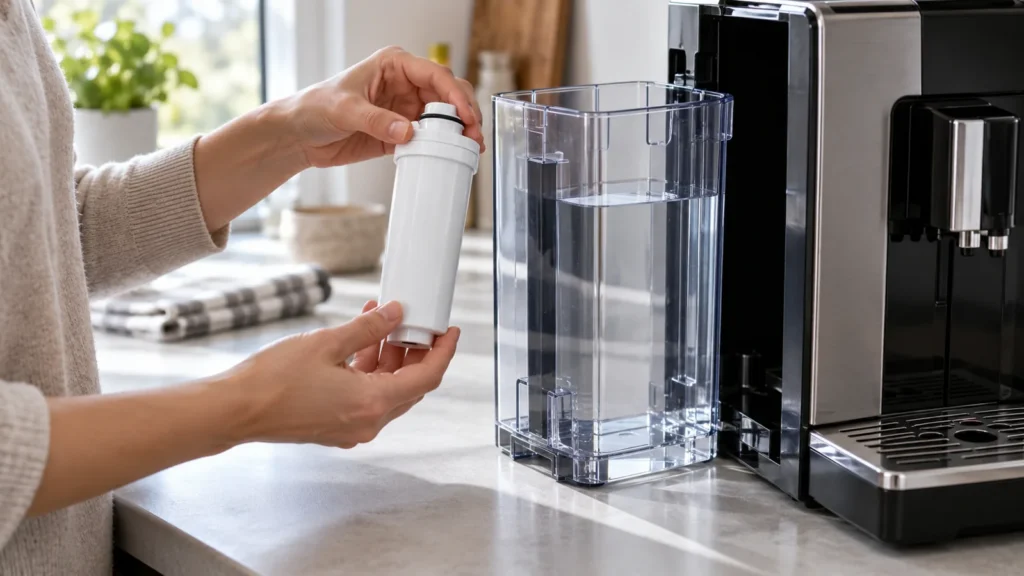
Quick answer: On the Saeco Xelsis SM7680-series, prepare each new AquaClean cartridge before installing it, then activate it on the machine. Shake it for about five seconds, immerse it upside down in cold water for at least 30 seconds until bubbles stop, push it onto the connection in the tank, and confirm the new filter through the AquaClean screen. Installing without activation prevents the machine from correctly tracking filter capacity.
When it is due
Replace the cartridge when the Xelsis asks, or at least every three months even without an on-screen reminder, as the manual specifies. If you have not used a filter for some time and the machine asks for descaling before it will accept a new cartridge, complete the manufacturer’s descaling program first. Check your exact SM model’s display wording.
Supplies
- A compatible Philips/Saeco AquaClean filter for your model
- A bowl of cold drinking water
- Fresh cold water for the tank
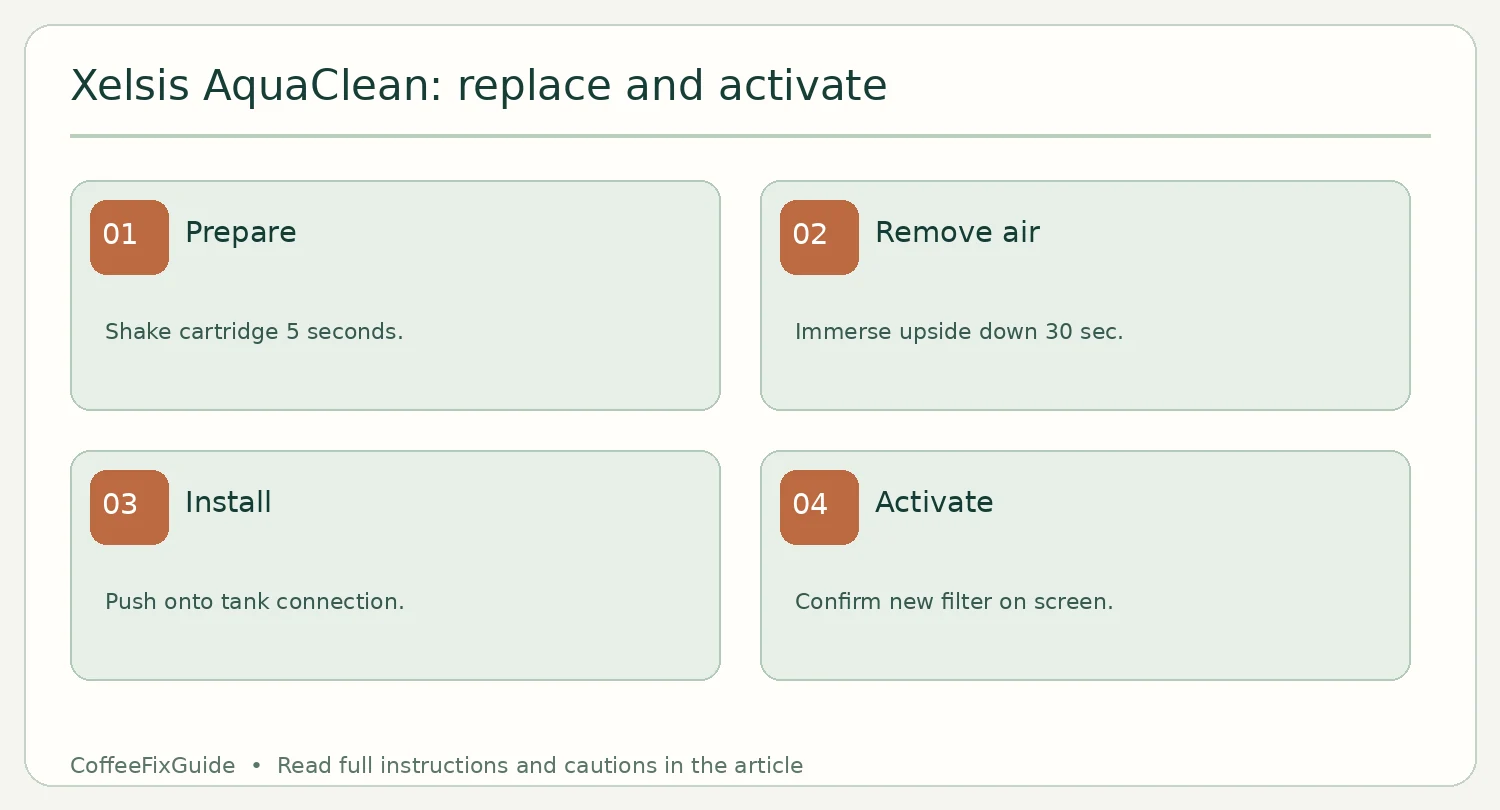
Replace and activate
- Remove the tank and take out the spent filter. Empty and rinse the tank.
- Shake the new cartridge for about five seconds. Immerse it upside down in a bowl of cold water for at least 30 seconds; wait until air bubbles stop escaping.
- Push the filter down onto the tank’s filter connection to its lowest position. Refill with fresh cold water and seat the tank fully.
- If prompted to replace the AquaClean filter, follow the screen. Otherwise open Settings → AquaClean → New, then press Start/Stop to activate. Follow any on-screen water-dispensing instructions.
If activation fails
Check whether the machine is requesting descaling first, and whether the cartridge is fully seated and prepared. Do not repeatedly force a dry cartridge into the connector. If there is poor coffee flow even after proper activation, use the Xelsis no-coffee guide. An Error 05 requires its own diagnosis; replacing a filter is not a guaranteed fix.
FAQ
Can I skip activation if water flows?
No. The Xelsis uses activation to track the new cartridge.
Does AquaClean replace every maintenance task?
No. Follow the machine’s separate prompts for brew-group cleaning, milk-system care and descaling.
Source: Saeco Xelsis user manual, AquaClean water filter section.