Quick answer: If your Philips 3200 LatteGo coffee tastes lukewarm, test a plain coffee in a preheated cup before assuming a heater failure. If your version permits a coffee-temperature adjustment, set it higher using the instructions for its exact EP model. Compare a plain coffee with a milk drink: adding milk cools the finished drink. If hot water and plain coffee both stay unusually cool despite the correct setting, or the machine shows an error, stop guessing at parts and contact Philips. Descale when the machine calls for it or maintenance is overdue, using its prescribed cycle.
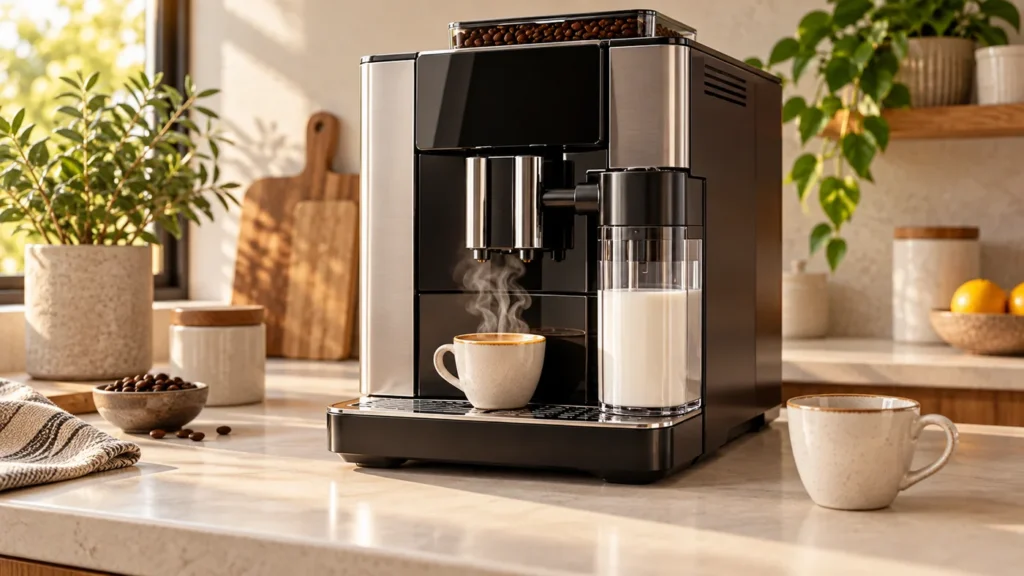
The steps below cover the Philips 3200 LatteGo family, including EP324x variants. Control panels and regional manuals differ. Locate the complete EP number on the data label inside the service door; Philips lists its EP3246/74 support page as one example. The cover image is an original illustration of a generic machine, not a photo of an exact Philips control panel.
Find out what is actually cool
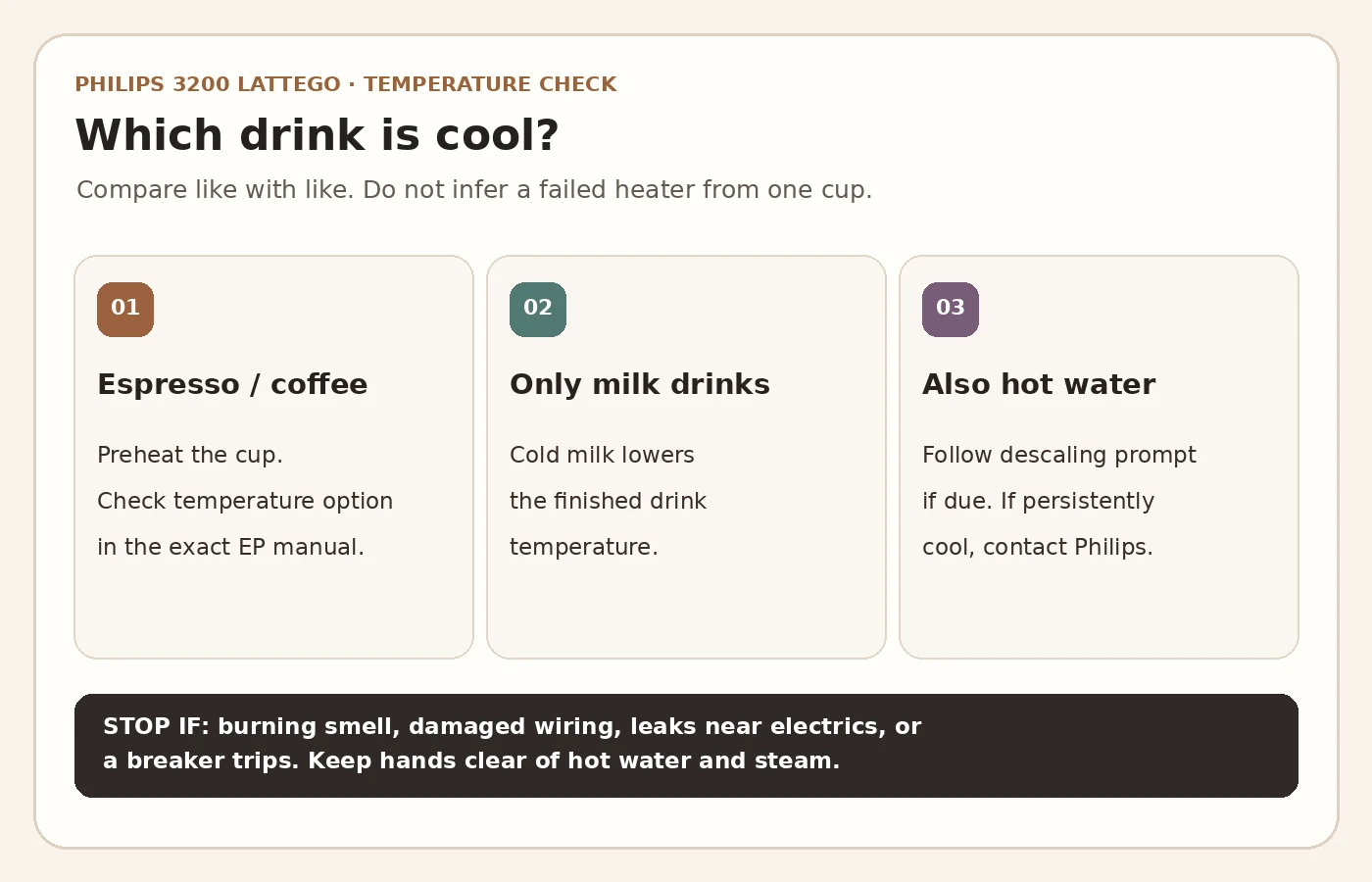
| Symptom | First useful check | What it does not prove |
|---|---|---|
| First small espresso seems cool | Preheat a clean cup with hot water, empty it, then brew the same drink again. | A cool first cup alone does not identify a heating fault. |
| Black coffee is acceptable, milk drink is cool | Compare the milk amount and cup temperature. | This alone does not show a broken milk heater. |
| Plain coffee and dispensed hot water both seem cool | Check the temperature setting and overdue descaling; then seek support if unchanged. | You cannot name a failed internal part from this comparison. |
| No hot water flows at all | Use the no-water guide instead. | A flow problem is not the same test as a temperature problem. |
Hot water and steam can scald. Use a stable cup, keep hands clear of the outlets, and let an active cycle finish before moving anything. Stop using the machine if a breaker trips, water reaches electrical connections, or you notice smoke or a burning smell. Do not open the casing or probe a live heating circuit.
1. Repeat the drink in a warm cup
Philips lists a cold cup among the common reasons a drink seems cooler than expected. This is especially noticeable with a small espresso. Dispense or pour hot water into a heat-safe cup, carefully empty it, and brew the same drink at the same size. Do not compare an espresso in a small ceramic cup with a large coffee in a cold mug; cup mass, volume and milk make that comparison misleading.
If the second plain coffee is satisfactory, no internal repair is indicated by the first cup. If the complaint is limited to cappuccino or latte macchiato, compare plain coffee before touching the settings. Philips notes that adding milk reduces the finished coffee’s temperature, whether the milk was initially cold or hot. A LatteGo foam problem needs a separate milk-system check.
2. Check the coffee-temperature setting for your exact panel
The current Philips manual for several 800/1200/2200/2300/3200 models describes two control layouts. On machines without a dedicated temperature icon, switch the machine off with its ON/OFF button; when it has finished shutting down, hold the coffee quantity icon until its lights appear. Tap that icon to cycle through normal, high and max (one, two or three lights), press START/STOP to save, then switch the machine on. The same manual describes a temperature-icon shortcut for EP3221 only. Use the instructions for the complete model code and region rather than assuming your EP324x has that icon.
Change only this one setting, then make another plain coffee in the same preheated cup. Do not confuse the coffee-temperature setting with the Calc/Clean, aroma strength or grinder controls. In particular, changing the grind setting is not a way to repair an apparent heating fault.
3. Check maintenance before concluding that heating has failed
Philips says internal limescale can lower drink temperature. If Calc/Clean is on, or descaling has been postponed, complete the process for your exact variant with the specified descaler. Our Philips 3200 LatteGo descaling guide covers the full cycle; if the indicator remains lit afterward, follow the unfinished rinse guide. Do not interrupt a cycle just to check temperature, and do not repeat descaling indefinitely when the flow and maintenance status are normal.
After the user-level checks, note whether the machine produces hot water normally, whether plain coffee improved, which setting was selected, and whether a warning appeared. This symptom record is more useful to support than a guess that a thermostat or heater must be replaced. The outward symptom cannot separate a temperature-control problem from other faults without proper diagnosis. Ask Philips or a qualified repairer for a model-specific assessment and compatible part identification before ordering anything. A significant quote can be compared in our repair vs replace calculator.
FAQ
Can I make the coffee hotter without changing an internal part?
Often the first useful checks are preheating the cup and verifying the coffee-temperature setting in the manual for the exact EP model. Philips also recommends descaling when scale may be involved. A persistently cool drink after those checks needs support rather than a blind parts purchase.
Does a cool cappuccino mean the machine is not heating?
No. Brew a plain coffee into a preheated cup first. Milk lowers the temperature of the finished drink, so a milk recipe alone is a poor heater test.
Should I use the temperature icon shown in another Philips video?
Only if your panel actually has it. The current multi-model Philips manual marks that icon as model-specific and gives the direct icon instruction for EP3221. Follow the correct guide for your own EP number.
What if the machine is completely dark or does not dispense hot water?
Use the power guide if it will not switch on, or the water-flow guide if it runs but dispenses nothing. Those symptoms need a different sequence.
Official sources: Philips: coffee not warm enough; Philips 800/1200/2200/2300/3200 user manual, English section pp. 9, 19–20; Philips EP3246/74 support and manuals (reviewed September 27, 2026). This is independent guidance, not a Philips service bulletin; the regional manual for your exact model takes precedence.