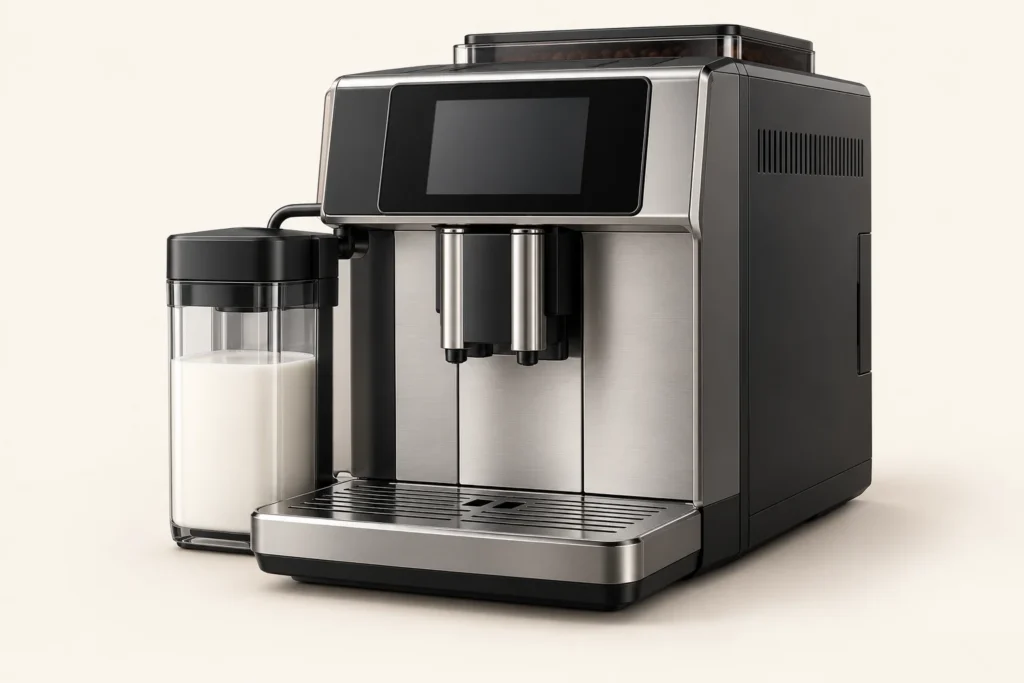
Find the complete model code on your Saeco Xelsis before following any menu instructions. Xelsis covers several generations, including SM, HD and RI models with different controls. Write down the exact on-screen message and note whether a fault appears during startup, grinding or rinsing.
Checks you can make without opening the machine
Confirm that the water tank, drip tray and brew-group door are fully seated. If the machine stopped mid-cycle, wait for it to finish safely rather than pulling the brew group against its drive mechanism. For weak coffee or no flow, record whether the pump runs and whether hot water works; those observations help distinguish a setup issue from a fault needing service. Stop if water reaches the electrical base.
Find the manual for your version
Philips publishes Xelsis manuals and troubleshooting topics for SM7684/04. Search its support catalog by your printed model number if you have a different unit, then follow that version’s cleaning and descaling program. For an empty cup or weak water flow, use our Saeco Xelsis no-coffee guide. The Saeco brand hub groups the model with related support.
Plan routine maintenance
Use the maintenance schedule to choose your model and usage level. The maintenance tools also include water-hardness conversion and descaling and filter reminders. Follow your machine’s prompts and exact manual when they differ from an estimate.
Before ordering parts
No revision-specific parts are currently listed for this model in our parts compatibility register. Use the complete model code, market and revision to confirm compatibility with the manufacturer or service provider; a similar appearance is not enough.